How to Make an Automatic Jukebox in Minecraft 26.4 (Music Disc Playlists)
Make
By GamerCubic Editorial Team · Last checked: October 19, 2026 · Version checked: Java 26.4 Snapshot 4 and Bedrock Preview 26.70.20
Quick answer: In Minecraft 26.4 testing, place one compatible single chest directly on top of a Jukebox, then arrange Music Discs in the chest. An empty Jukebox pulls the first available disc, plays it, swaps to the next disc when the song ends, and loops back to the start. Chest slot order controls the playlist; eject the current disc to skip ahead.
Version alert — checked October 19, 2026: Jukebox Playlists are available in Java Edition 26.4 Snapshot 4 and Bedrock Preview 26.70.20. They are test-build features, not part of the current stable Java 26.3 release. Back up important worlds before opening them in a Snapshot or Preview.
This guide answers the practical questions: how to build the playlist, which containers work, how disc order and looping behave, how to skip a track, and what to check when the setup stays silent. The instructions below follow Mojang’s October 13 Java Snapshot and Bedrock Preview notes; final 26.4 behavior can still change before release.
Jukebox Playlist Verification Status
| Claim | Status | Source |
|---|---|---|
| Chest above a Jukebox becomes a playlist | Confirmed in testing | Mojang Java Snapshot 4 and Bedrock Preview 26.70.20 |
| Discs play in chest slot order and loop | Confirmed in testing | Mojang Java and Bedrock changelogs |
| Normal, Trapped, and Copper Chests work | Confirmed in testing | Mojang Java and Bedrock changelogs |
| Stable Java 26.4 availability | Not released as of this check | Feature is currently documented in Snapshot 4 |
Accuracy note: The build images in this article are original editorial illustrations. They clarify placement and workflow, but the official changelogs are the authority for feature behavior.
Automatic Jukebox at a Glance
| Question | Short answer |
|---|---|
| Minimum build | One Jukebox with one compatible single chest immediately above it |
| Playlist order | Left-to-right, top-to-bottom chest slot order |
| Automatic loop | Yes; after the last usable disc, playback returns to the first |
| Skip a track | Use the Jukebox to eject the playing disc; the next available disc starts |
| Mixed items | Empty slots and non-disc items are skipped |
| Edition support | Java 26.4 Snapshot 4 and Bedrock Preview 26.70.20 |
The important detail is vertical placement. The playlist source belongs above the Jukebox, not beside it and not separated by a block. For more version-aware tutorials, visit the GamerCubic Minecraft hub.
Which Minecraft Versions Have Jukebox Playlists?
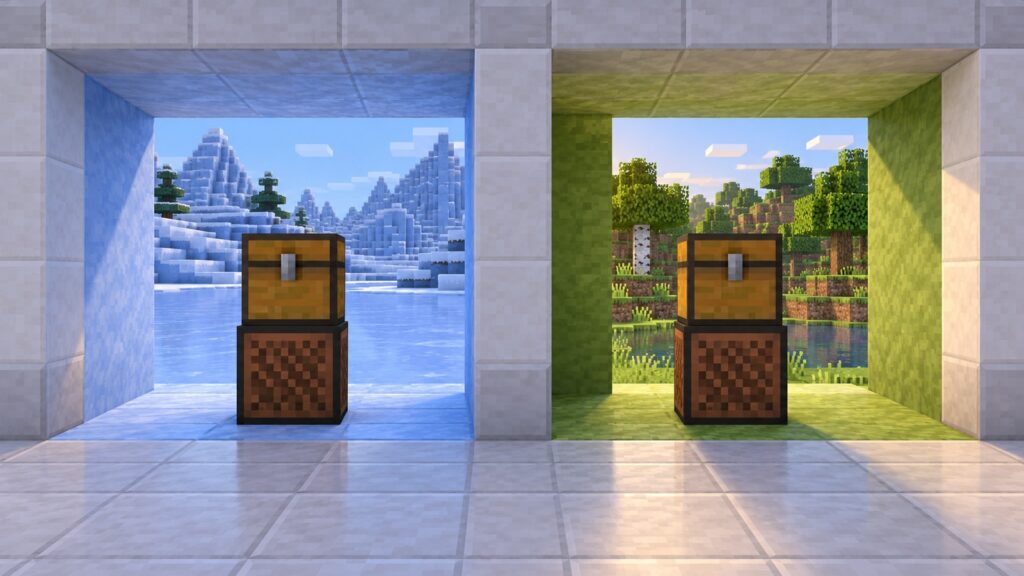
Mojang introduced the feature for Java in Minecraft 26.4 Snapshot 4. The matching Bedrock behavior appears in Minecraft Preview 26.70.20. The version numbers do not match because Java Snapshots and Bedrock Previews use different numbering systems.
That makes the headline “Minecraft 26.4” accurate for the Java development cycle, but it does not mean every stable installation already has playlists. If your latest normal launcher profile is Java 26.3, create or select a Snapshot installation. Bedrock players need the matching Preview program. Do not use an irreplaceable survival world without a backup.
What You Need to Build an Automatic Jukebox
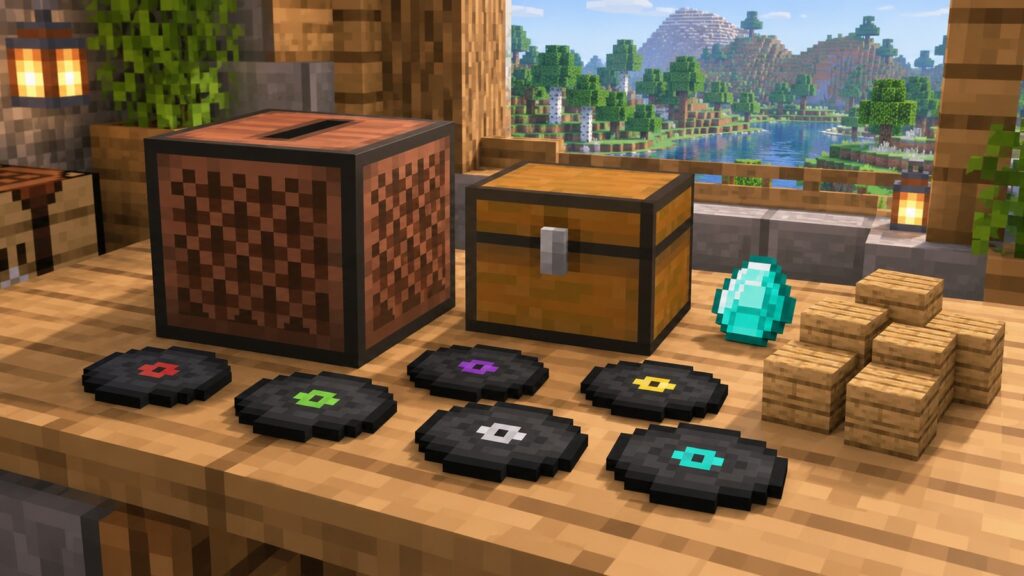
For the smallest playlist, collect one Jukebox, one supported single chest, and at least one Music Disc. A Jukebox is crafted with one diamond surrounded by eight wooden planks. The chest does not need redstone power, hoppers, comparators or a special crafting recipe.
A regular Chest is the cheapest survival choice. A Trapped Chest can match a redstone room, while a Copper Chest variant can match copper builds. The discs themselves can come from normal Minecraft sources such as structure loot, mob interactions and special challenges. You can start with two discs and expand the playlist later.
How to Make a Jukebox Playlist Step by Step
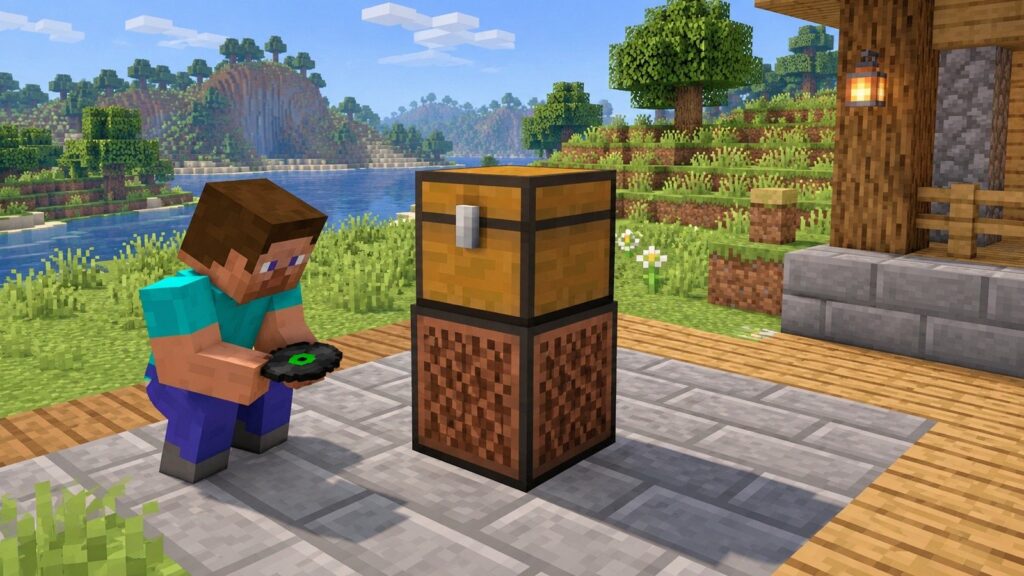
- Place the Jukebox. Leave the block above it empty.
- Place one compatible single chest on top. The chest and Jukebox must touch, forming a two-block-tall stack.
- Open the chest and add Music Discs. Put them in the order you want to hear them.
- Close the chest. If the Jukebox is empty, it takes the first available disc and begins playing.
- Let the playlist continue. When a song finishes, the Jukebox swaps in the next available disc automatically.
You do not need to insert the first disc by hand. If a disc is already inside the Jukebox before the chest is added, let it finish or eject it; the playlist can then move through the container’s available discs.
Which Chests Work Above a Jukebox?
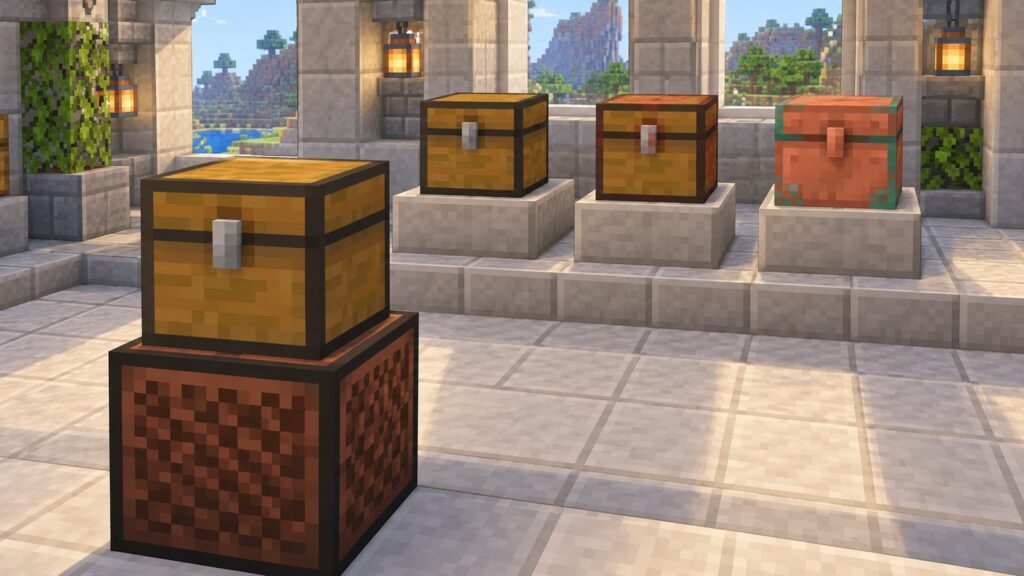
Mojang’s Java notes name three compatible container families: a Chest, a Trapped Chest, or any Copper Chest variant. Bedrock uses the same player-facing list and adds a technical component named minecraft:jukebox_playlist_source for compatible single containers.
The word single matters. Use a one-block chest and keep another chest from joining it into a large double chest. Barrels, Shulker Boxes, Ender Chests, droppers and generic containers are not listed as playlist sources. They may still be useful in other storage or redstone builds, but they are not substitutes for the supported chest directly above this Jukebox.
How the Jukebox Starts Playing Automatically
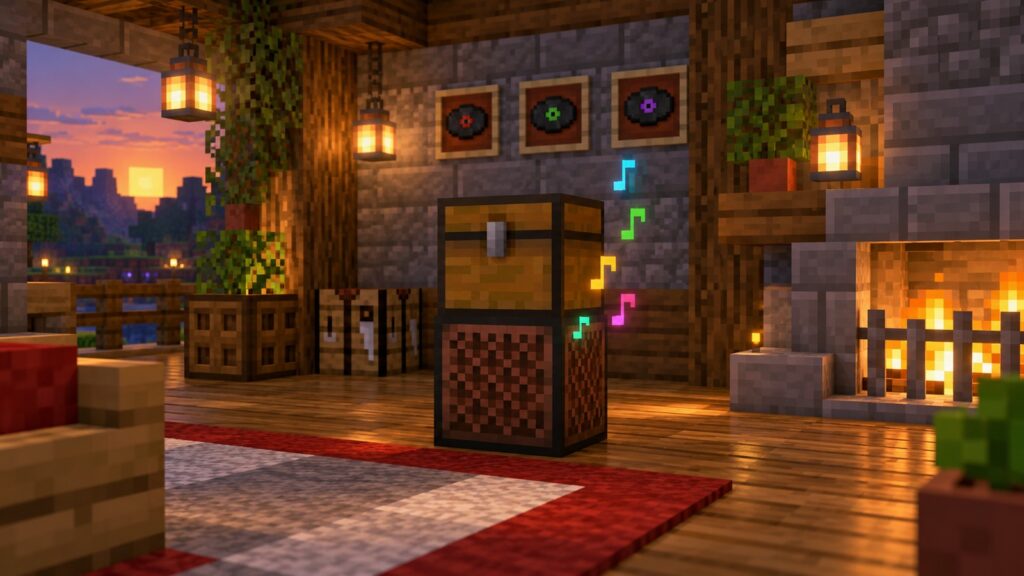
The system reacts when the Jukebox is empty and a compatible playlist source is above it. It searches the chest in slot order, ignores empty slots and non-disc items, and moves the first usable Music Disc into the Jukebox. When that track reaches its end, the disc is exchanged for the next usable disc.
If the chest contains no other Music Discs, the disc already in the Jukebox plays again. That behavior gives even a one-disc setup an automatic loop. Add more discs to turn it into a proper playlist.
How Music Disc Order Works
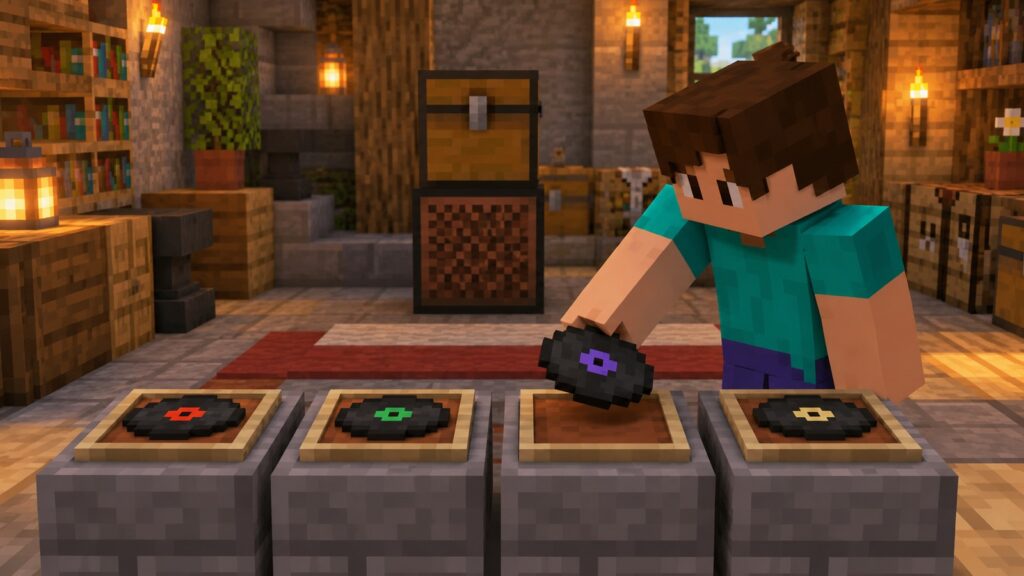
The playlist follows the chest’s normal inventory order: begin with the earliest occupied slot, move through later slots, then return to the beginning. Empty spaces do not pause the system. Cobblestone, food and other non-disc items are skipped rather than played or removed.
For predictable results, place your first song in the top-left slot, the second beside it, and continue across the row before moving down. You can leave gaps for organization, but a compact uninterrupted row is easier to read.
How to Change Song Order or Skip Tracks
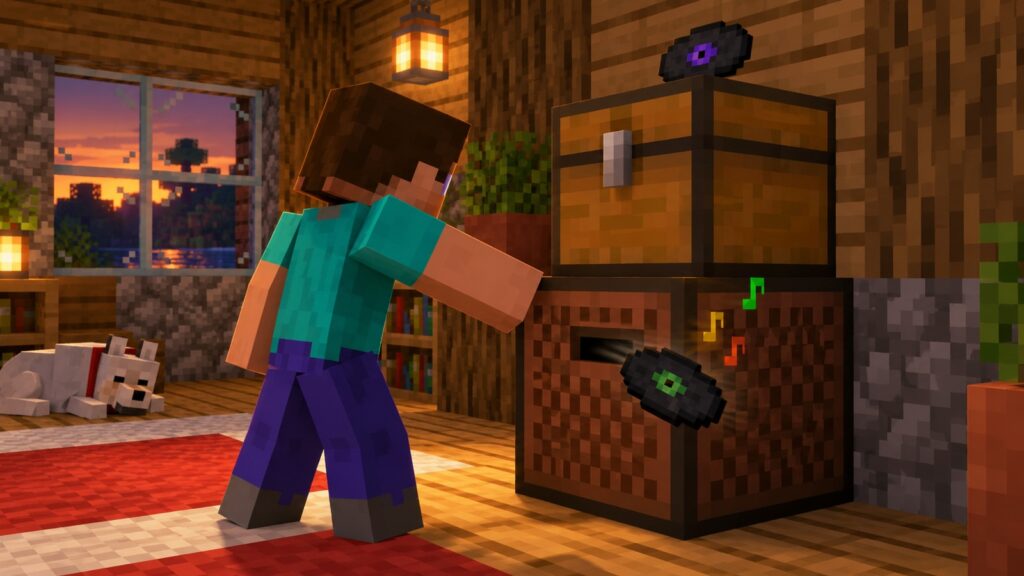
To change future order, open the chest and move the discs into new slots. The currently playing disc is inside the Jukebox, so rearranging the chest affects the tracks that follow. For a clean reorder, eject the active disc, organize all returned discs, then let playback restart.
To skip immediately, use the Jukebox as you normally would to eject its current disc. Mojang’s notes say the system skips to the next available Music Disc. If you remove every other disc, the setup has nothing new to select.
How to Play Every Music Disc Automatically on a Loop
Put each disc in a separate chest slot and let the sequence run. After the final available disc finishes, the Jukebox returns to the start of the list. There is no shuffle option in the published Snapshot or Preview notes, so the order is deterministic rather than random.
You do not need duplicate discs unless you intentionally want a song to appear more than once in the cycle. To repeat a favorite between other songs, place another copy later in the chest. Remember that future test builds could adjust edge cases, so recheck the official notes when stable 26.4 arrives.
Can Hoppers and Redstone Still Automate Jukeboxes?
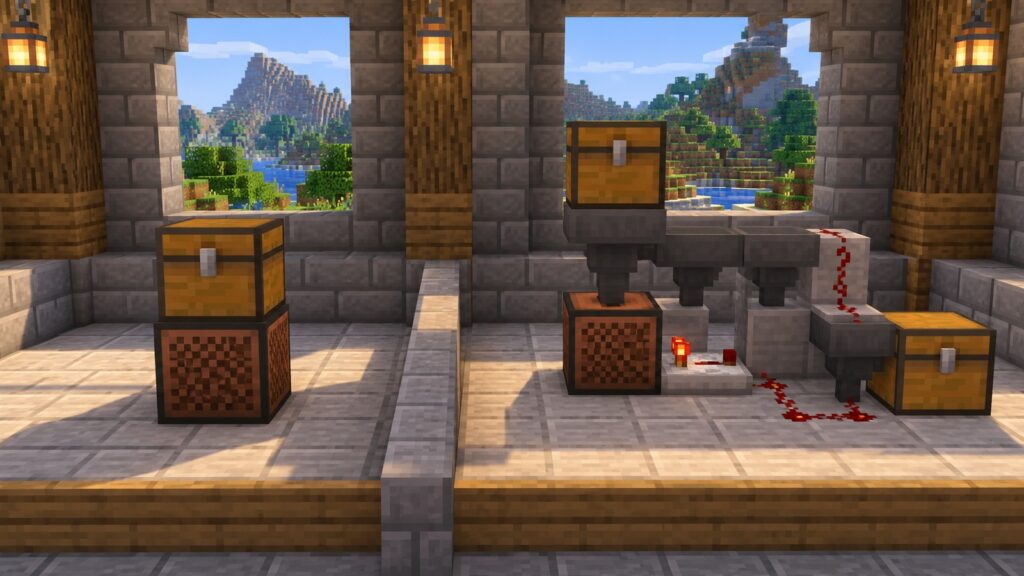
Yes. Existing Jukebox automation has not suddenly become useless. Mojang’s earlier Java 1.19.4 notes confirmed hopper and dropper interaction, and a playing Jukebox emits a redstone signal. More elaborate systems can route discs, trigger lamps or connect music to a base-wide circuit.
For ordinary listening, however, the new two-block playlist removes most of that complexity. Choose the chest method for a compact music corner; choose hoppers and redstone when item transport or visible circuitry is part of the build. For related sound design, try GamerCubic’s Minecraft Note Block Tuner or browse the Redstone Guides.
Java vs Bedrock Jukebox Playlist Differences
| Feature | Java Edition | Bedrock Edition |
|---|---|---|
| Test version | 26.4 Snapshot 4 | Preview 26.70.20 |
| Physical setup | Compatible single chest directly above Jukebox | Same |
| Disc sequence | Slot order, skips invalid slots, loops | Same behavior documented |
| Skip control | Eject current disc | Same behavior documented |
| Technical detail | Described in player-facing notes | Compatible containers use minecraft:jukebox_playlist_source |
For players, Mojang documents feature parity at this stage. The meaningful difference is access: Java uses a Snapshot profile, while Bedrock uses a Preview build. Cross-edition worlds and add-ons may behave differently, and the technical implementation is not identical just because the visible result is.
Why Isn’t My Jukebox Playlist Working?
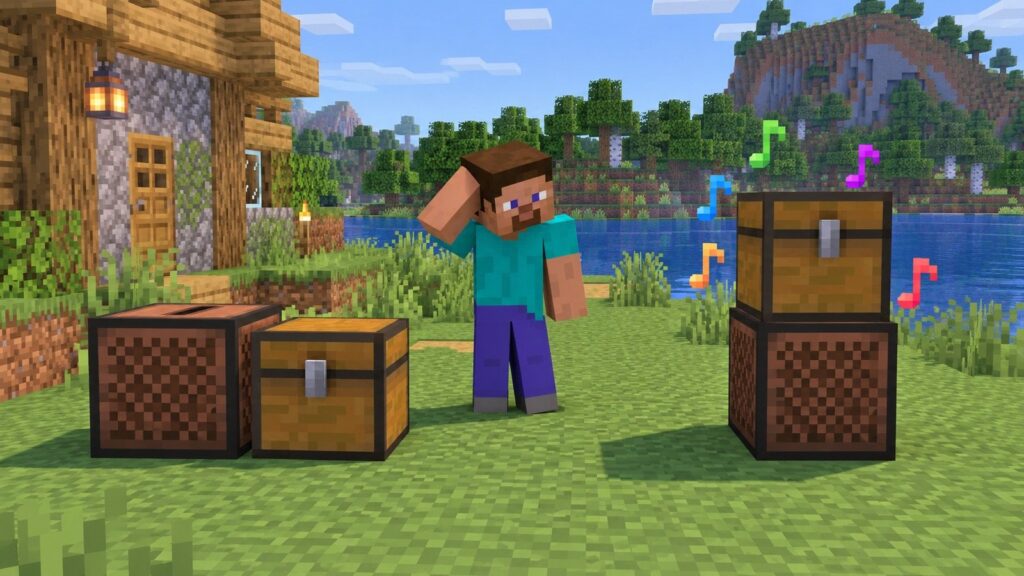
- Wrong version: Confirm Java 26.4 Snapshot 4 or Bedrock Preview 26.70.20, or a later build that retains the feature.
- Chest is beside the Jukebox: Move it to the block immediately above.
- Chest became double: Break the extra half and keep one single compatible chest.
- Unsupported container: Replace a barrel, Shulker Box or other container with a named compatible chest.
- No playable discs: The system ignores ordinary items and empty slots.
- Jukebox already contains a disc: Eject it, then allow the playlist to select from the chest.
- Old experimental world state: Rebuild the two blocks in a backed-up test world after updating the client.
If all checks pass and the build still fails, reproduce it in a fresh Creative test world with one Jukebox, one regular Chest and two Music Discs. That isolates add-ons, server software and old world data from the core mechanic.
Frequently Asked Questions
Does an automatic Jukebox need redstone?
No. The new playlist works from a compatible chest directly above the Jukebox.
Can a barrel make a Jukebox Playlist?
Not according to the official Snapshot and Preview notes. Use a single Chest, Trapped Chest or Copper Chest variant.
Will non-disc items break the playlist?
No. The system skips empty slots and items that cannot play in a Jukebox.
Can I shuffle the songs?
No shuffle control is documented. Rearrange the discs manually to change the fixed slot order.
How do I stop the playlist?
Eject the playing disc and remove the remaining discs from the chest, or remove the playlist chest itself.
Does this work in stable Minecraft 26.3?
No. It was introduced in Java 26.4 Snapshot 4 and the corresponding Bedrock Preview, so stable 26.3 players need a test build or must wait for a stable release.
Sources and Method
This guide prioritizes Mojang’s primary changelogs: Java 26.4 Snapshot 4, Bedrock Preview 26.70.20, and the historical Java 1.19.4 release notes for earlier hopper, dropper and redstone behavior. We separate confirmed behavior from advice and do not present generated illustrations as gameplay proof.
Continue Exploring Minecraft Music and Mechanics
Check the Minecraft Blocks & Items hub for item-mechanic guides, or compare your installation with GamerCubic’s latest Minecraft version guide. Snapshot players should always read the newest Mojang changelog before moving a long-term world forward.
Final Verdict
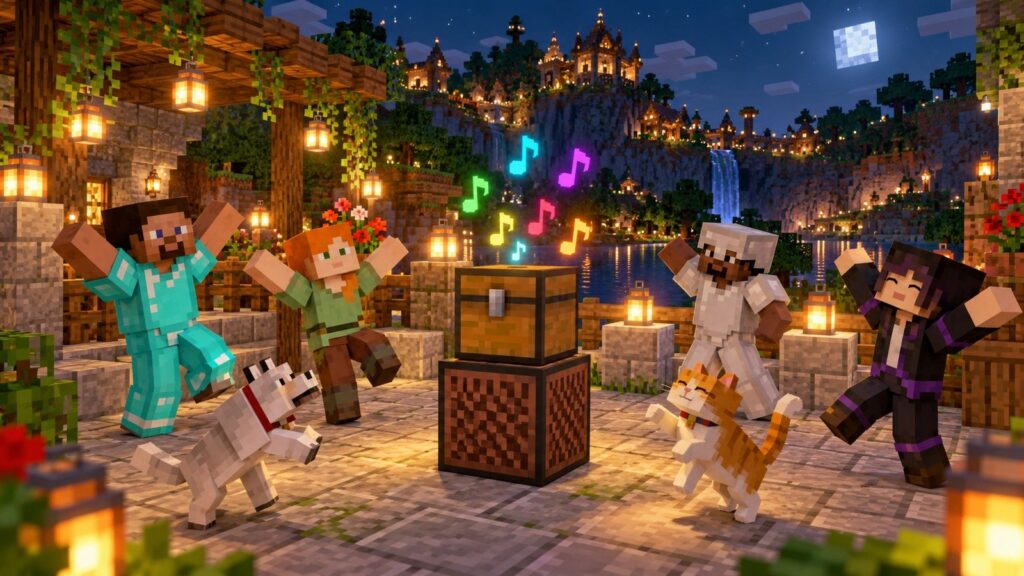
The best automatic Jukebox in Minecraft 26.4 is now the simplest one: a supported single chest touching the top of a Jukebox. Put discs in chest-slot order, let the system loop them, rearrange slots to change the queue, and eject the active disc when you want to skip. Just remember the release status—this is a Snapshot and Preview feature as of October 19, 2026, so test safely until Mojang ships the stable build.
Continue Exploring

Minecraft Shelf Mushroom Guide: How to Find, Grow, Bounce & Use It
Discover yourMakeBy GamerCubic Editorial TeamEdited by: GamerCubic TeamLast checked: September 21, 2026Version checked: Minecraft Java Edition 26.3 and Bedrock Edition 26.50 stable releases Minecraft...

Minecraft Cushion Guide: How to Sit, Craft Cushions & Fix Placement Problems
Discover yourMakeBy GamerCubic Editorial Team Edited by: GamerCubic Team Last checked: September 21, 2026 Version checked: Minecraft Java Edition 26.3 / Bedrock Edition 26.50...

Minecraft Straw Bed: Recipe, Uses and Why It Does Not Set Your Spawn
Discover yourMakeBy GamerCubic Editorial TeamLast checked: September 21, 2026Version checked: Minecraft Java Edition 26.3 / Bedrock Edition 26.50 — Wilderness Bound Quick answer: A...