Minecraft Circle Generator
Circles
Loading the circle generator…
Quick answer
What does a Minecraft circle generator do?
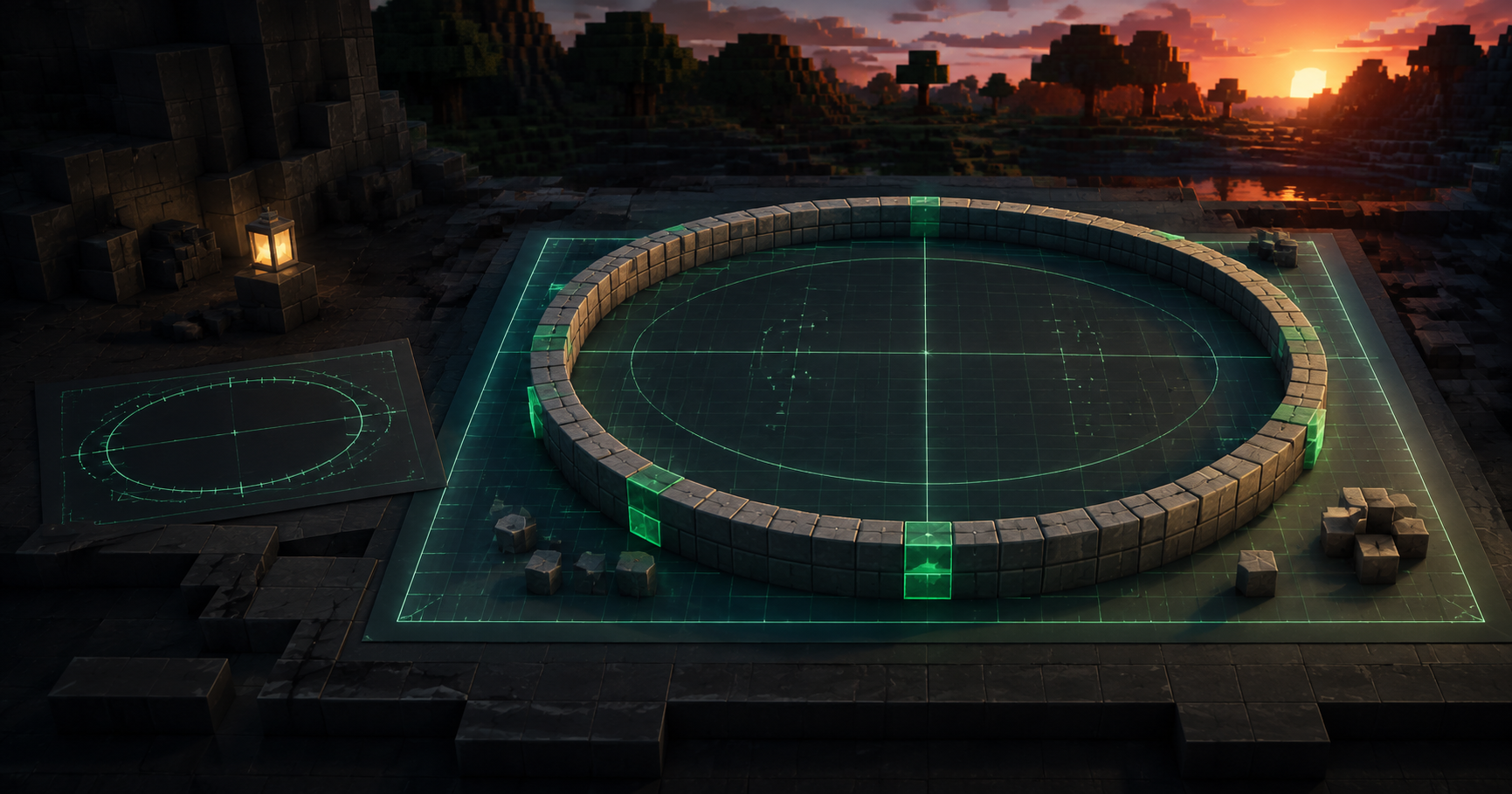
A Minecraft circle generator converts a circle or ellipse into a block-by-block grid you can copy into a world. Set the width and depth, choose an outline or filled shape, and the tool shows exactly which cells contain blocks. GamerCubic also turns that same blueprint into row instructions, optional world-coordinate ranges, material totals, downloads, and a manual progress checklist saved in your browser.
The result is a rasterized block approximation—not a mathematical curve and not an in-game command. Different valid raster rules can produce slightly different patterns. This page explains the convention used here so the count and build sheet remain transparent.
Start here
How to use the Minecraft Circle Generator
- Choose Circle or Ellipse.
A circle keeps width and depth linked. An ellipse lets you set them independently for an oval footprint.
- Enter the footprint size.
Use whole numbers from 1 through 512. The default 15-block outline appears immediately, so there is no Generate button to find.
- Select Outline or Filled.
For an outline, choose a ring thickness from 1 to 8 blocks. If no inner space remains, the tool tells you that the plan is effectively solid.
- Check the blueprint and material total.
Each colored square is one block to place. The total is the number of occupied cells—not the mathematical circumference or area.
- Open Build mode.
Follow the highlighted row, mark individual blocks or the entire row complete, and move forward or back without losing earlier work.
- Save or export the plan.
Your current project autosaves in this browser. Export Project JSON for a portable backup, or download PNG, JPG, SVG, and CSV versions.
Circle vs. ellipse: which shape should you choose?
Choose a circle when the north–south depth should equal the east–west width. Choose an ellipse when those dimensions should differ. The ellipse control is useful for oval arenas, long courtyards, racetracks, pools, foundations, and other stretched footprints.
| Plan | Width | Depth | Center index | Typical use |
|---|---|---|---|---|
| 15×15 circle | 15 | 15 | (7, 7) | Compact round tower or room |
| 16×16 circle | 16 | 16 | (7.5, 7.5) | Even-width circular footprint |
| 15×31 ellipse | 15 | 31 | (7, 15) | Narrow, long oval |
| 32×16 ellipse | 32 | 16 | (15.5, 7.5) | Wide, shallow oval |
The corrected ellipse raster uses separate half-cell-aware radii for width and depth. That prevents a tall ellipse from being treated like a stretched circle after generation and creates smoother mirrored poles at both ends.
Odd and even Minecraft circle centers
The footprint center in block-index notation is:
((width - 1) / 2, (depth - 1) / 2)An odd dimension has a center on one block index. A 15×15 footprint centers on column 7, row 7 when counting from zero. An even dimension has a center between indices: a 16×16 footprint centers on 7.5, 7.5.
A half-integer center does not create half blocks or decimal world coordinates. It only describes the symmetry point between the middle rows or columns. Every generated cell and every coordinate instruction still uses integers.
Outline circles, filled circles, and ring thickness
A filled plan contains every occupied block cell inside the rasterized footprint. An outline plan starts with that filled mask and removes inner layers. This makes the outline a true subset of the matching filled plan.
Ring thickness is measured in block layers, not in mathematical units. For each thickness step, the engine removes cells that have occupied neighbors on all four faces. The visible ring is what remains after one to eight erosion passes.
- Increasing thickness keeps every block from the thinner ring.
- A one-block-wide axis is handled deliberately as a line.
- If the inner mask is exhausted, the outline becomes the filled footprint and the interface displays a notice.
- Thin stair-step curves may touch diagonally. Eight-direction connectivity is validated, but every outline is not promised to be face-connected.
How to read the block blueprint and Build Sheet
North is at the top of the canvas and east is on the right. Each occupied cell corresponds to one block index. Grid lines, center guides, the orange northwest-origin crosshair, the selected-cell outline, current-row highlight, and completed pattern make different states readable without relying only on color.
A real 15×15 outline example
With the current geometry version, a 15×15 one-block outline contains 40 placed blocks. Its first four rows are:
Row 1: place 5 blocks at columns 5 through 9.
Row 2: place 2 blocks at columns 3–4, leave 5 empty, then place 2 at columns 10–11.
Row 3: place 1 block at column 2, leave 9 empty, then place 1 at column 12.
Row 4: place 1 block at column 1, leave 11 empty, then place 1 at column 13.
Those gaps matter. The Build Sheet creates separate contiguous runs and never converts an outline row into one filled span. A 16×16 one-block outline uses the same convention and contains 44 placed blocks.
Resuming a larger build
Build mode is a manual checklist intended for a phone or second screen. Select any occupied block to toggle it, or mark the highlighted row complete. Previous, Next, Undo, and Redo let you revisit work. Changing the selected row does not mark the old row complete, and dragging in Pan mode does not complete cells.
Completion is not live detection. GamerCubic does not connect to your world, server, save file, or account.
Using world coordinates with the circle plan
Open Advanced: world coordinates when you want the Build Sheet to map grid cells to Minecraft coordinates. Enter the northwest grid-corner block as the origin. That corner can be empty for a curved outline; it still anchors the rectangular footprint.
worldX = originX + column
worldY = originY
worldZ = originZ + row
The first release places the plan horizontally on the X/Z plane at one fixed Y level. +X points east and +Z points south. Negative origins work normally.
Coordinate example
If the origin is X=100, Y=64, Z=-112, a run on grid row 3 from columns 1 through 5 becomes:
At Y=64, Z=-109, place blocks from X=101 through X=105.
The selected-cell readout also shows its grid index and, when enabled, its integer world X/Y/Z location. Coordinates are excluded from normal share links unless you explicitly choose to include them.
Choosing a useful circle or oval size
There is no universally correct size. Start with the footprint required by your build, then check the blueprint’s proportions before gathering materials. The presets are shortcuts, not recommendations for specific structures.
| Preset | What it helps you inspect | Center type |
|---|---|---|
| 7 | A small, strongly stepped circle | Single center index |
| 11 or 15 | A compact footprint with clear row runs | Single center index |
| 21 or 31 | A broader curve with more gradual steps | Single center index |
| 51 or 101 | A large plan where Build mode and saved progress are especially useful | Single center index |
| Any even size | A footprint centered between its middle indices | Between blocks |
Block counts, stacks, and gathering materials
The displayed total is the exact number of occupied cells in the current generated mask. The tool also divides that total into full stacks of 64 plus remaining blocks. This conversion assumes you are using building blocks that stack to 64; it does not assert that every Minecraft item has that stack size.
Changing the width, depth, fill style, or thickness changes the mask and may change the material count substantially. Counts, row runs, completed totals, remaining totals, and exports all read from the same cell collection, so there is no separate circumference estimate behind the interface.
Java Edition and Bedrock Edition use
The generator is edition-neutral because it produces a manual block footprint rather than version-specific commands. You can follow the same row plan in Java Edition or Bedrock Edition as long as you can place blocks on the chosen horizontal layer.
This release does not create WorldEdit commands, terrain, wall height, spheres, domes, or structure files. If you want a vertical wall, use the generated footprint as the base and decide the height inside your build. The block count shown here covers only the one-layer plan.
Saving projects, exports, and privacy
Named projects are stored with IndexedDB in the current browser. They include dimensions, shape, fill style, thickness, optional origin, geometry version, completed cells, current row, and relevant view settings. There is no GamerCubic account or cloud synchronization.
Saved in this browser. Export your project to back it up or move devices.
- PNG or JPG: a bounded blueprint image, with a white-background option.
- SVG: a scalable plan derived from the same occupied cells.
- CSV: row runs, grid indices, counts, and optional coordinate ranges.
- Print / Save as PDF: a browser print layout with readable row instructions.
- Project JSON: a versioned backup containing project settings and progress.
- Design link: validated shape parameters without the project name or completed-cell list.
Geometry, counts, instructions, and exports run locally without an external generation API or AI request. If browser storage is unavailable, the interface labels the project as an unsaved session and keeps JSON export available.
Transparent method
Accuracy, rasterization, and known limits
Minecraft circles are block-grid approximations. A mathematical circle contains infinitely many curve points, while a build plan must choose a finite set of square cells. Two tools can therefore produce different but symmetric and usable results.
Geometry version gc-ellipse-half-cell-v2 uses the footprint center ((W−1)/2,(H−1)/2) and half-cell-aware radii W/2 and H/2. An integer cell index belongs to the filled plan when its normalized ellipse value is at most one. This convention explicitly supports odd sizes, even sizes, rectangles, 1×N lines, and two-block cases.
Automated checks cover exact bounds, unique cells, horizontal and vertical symmetry, quarter-turn circle symmetry, eight-neighbor connectivity, thickness monotonicity, outline-subset behavior, row-run totals, negative world origins, project round trips, hostile inputs, and dimensions through 512. These checks establish internal consistency; they do not make one raster convention uniquely correct for every builder’s visual preference.
Common questions
Minecraft Circle Generator FAQ
How do I make a circle in Minecraft?
Choose the desired width, keep Circle selected, and follow each occupied blueprint cell as one block. For larger builds, open Build mode and complete the plan from north to south one row at a time.
Can this generator make an oval or ellipse?
Yes. Select Ellipse, then enter independent width and depth values. The corrected renderer uses separate horizontal and vertical radii while keeping both axes symmetric.
Does diameter equal the number of blocks?
No. Width describes the footprint span. The placed-block count is the number of occupied cells in the selected outline or filled mask.
Why can another circle generator show a different pattern?
A block circle is a raster approximation, and there is more than one legitimate way to choose cells near a mathematical curve. This tool documents its center-sampling and ring-erosion rules so its results are reproducible.
What is the best size for a Minecraft circle?
The best size depends on the footprint your build needs. Odd sizes provide one center index; even sizes center between blocks. Preview several dimensions and choose the shape that fits the surrounding build.
Can I make a thicker circle outline?
Yes. Choose Outline and set ring thickness from 1 to 8. If the shape is too small to retain inner space, the ring becomes solid and the interface explains why.
Will the generator remember my progress?
It autosaves named projects in this browser when IndexedDB is available. Export Project JSON if the plan matters, because local browser storage is not cloud sync or a permanent backup.
Can I use negative Minecraft coordinates?
Yes. Origin X, Y, and Z accept integers, including negative values. The Build Sheet converts every occupied row run to integer world-coordinate ranges.
Does it work for both Java and Bedrock?
Yes as a manual blueprint. It does not depend on commands or edition-specific automation, and it does not read either edition’s world files.
Can I export a schematic or Litematic file?
No. This release provides PNG, JPG, SVG, CSV, browser print/PDF, and versioned project JSON. It does not export WorldEdit or Litematic files.
Related Minecraft Tools
Continue with a relevant builder, calculator, or command generator from the GamerCubic tool library.
Method and evidence
What the Circle Generator Verifies
This evidence summary separates the circle generator result from automated checks and real Minecraft testing.
- Output
- Generated build outputThe circle generator result is produced from the settings and inputs entered in this browser tool.
- Automated checks
- Public check record not attachedThis page does not publish a standalone automated-regression record for the circle generator.
- In-game testing
- Creator-claimedGamerCubic reports an in-game check of this circle generator workflow; no public test log is attached.
- Published scope
- Java and Bedrock where supportedCircle Generator checks do not certify every Minecraft release, server implementation, mod, data pack, or gameplay situation.