Minecraft Snow Bricks Recipe: Slabs, Stairs & Walls (26.4)
Snow
By GamerCubic Editorial Team · Last checked: October 28, 2026 · Version checked: Java 26.4 Snapshot 6
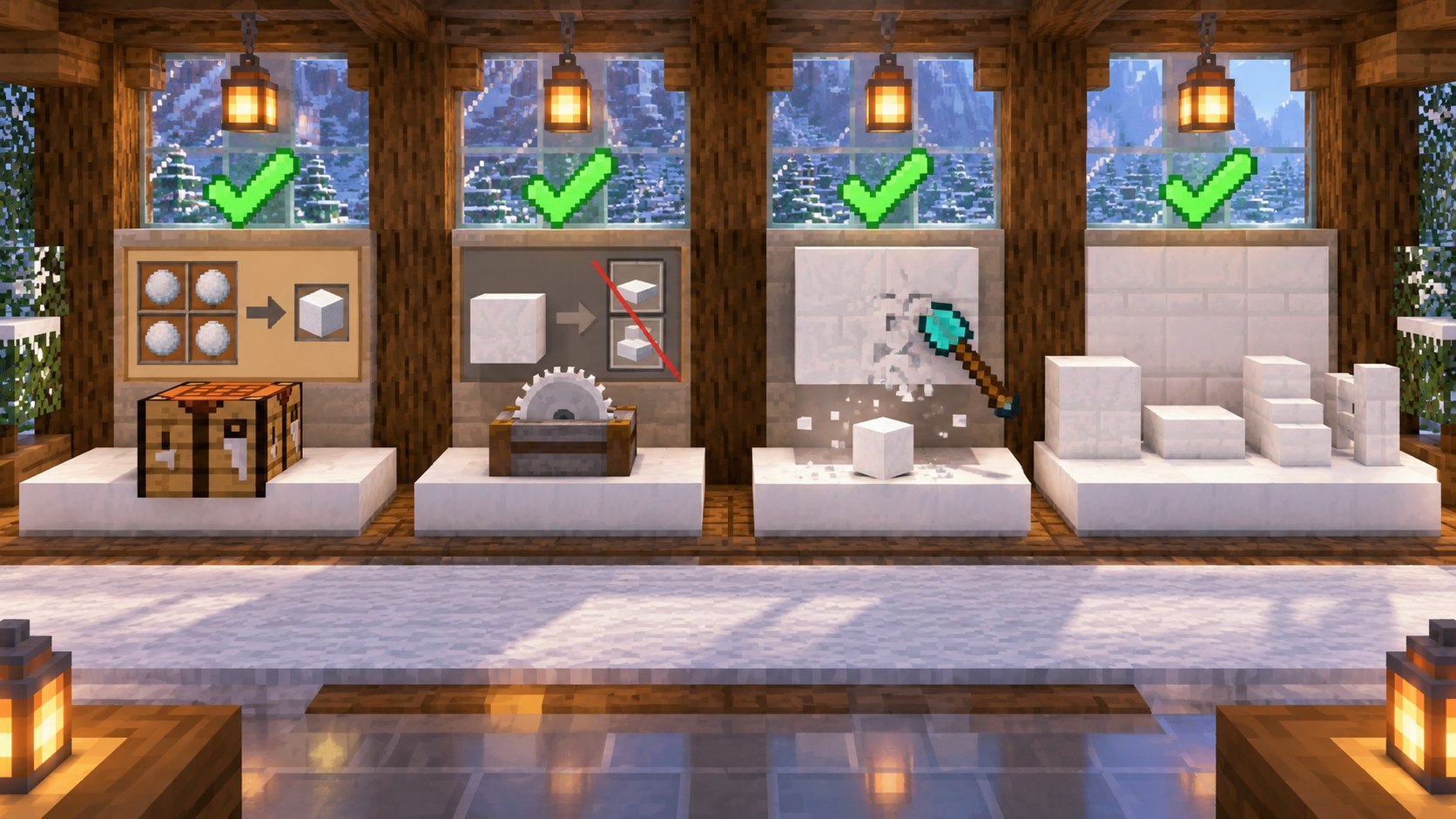
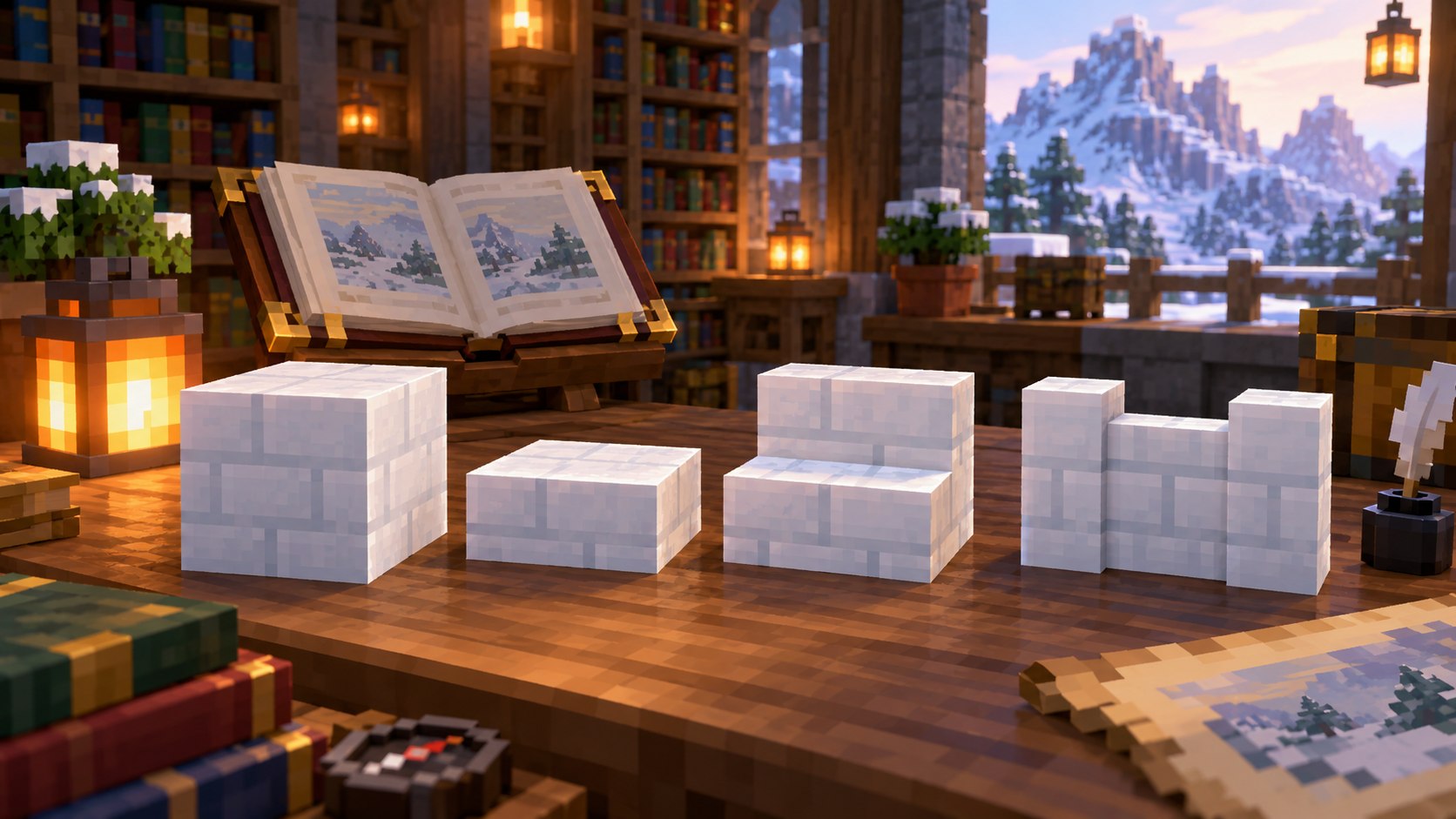
Quick answer: Place four Snow Blocks in a 2×2 square to craft four Snow Bricks. Three bricks in a horizontal row make six slabs, the standard stair pattern makes four stairs, and two rows of three bricks make six walls. Snapshot 6 does not provide Snow Brick stonecutting recipes, so use a crafting table. Mine the family with a shovel to receive the block.
Version alert: Snow Bricks are documented in Java 26.4 Snapshot 6, while the latest stable Java release is 26.3. Test them in a backed-up world and recheck the final 26.4 notes before using them in a long-term world.
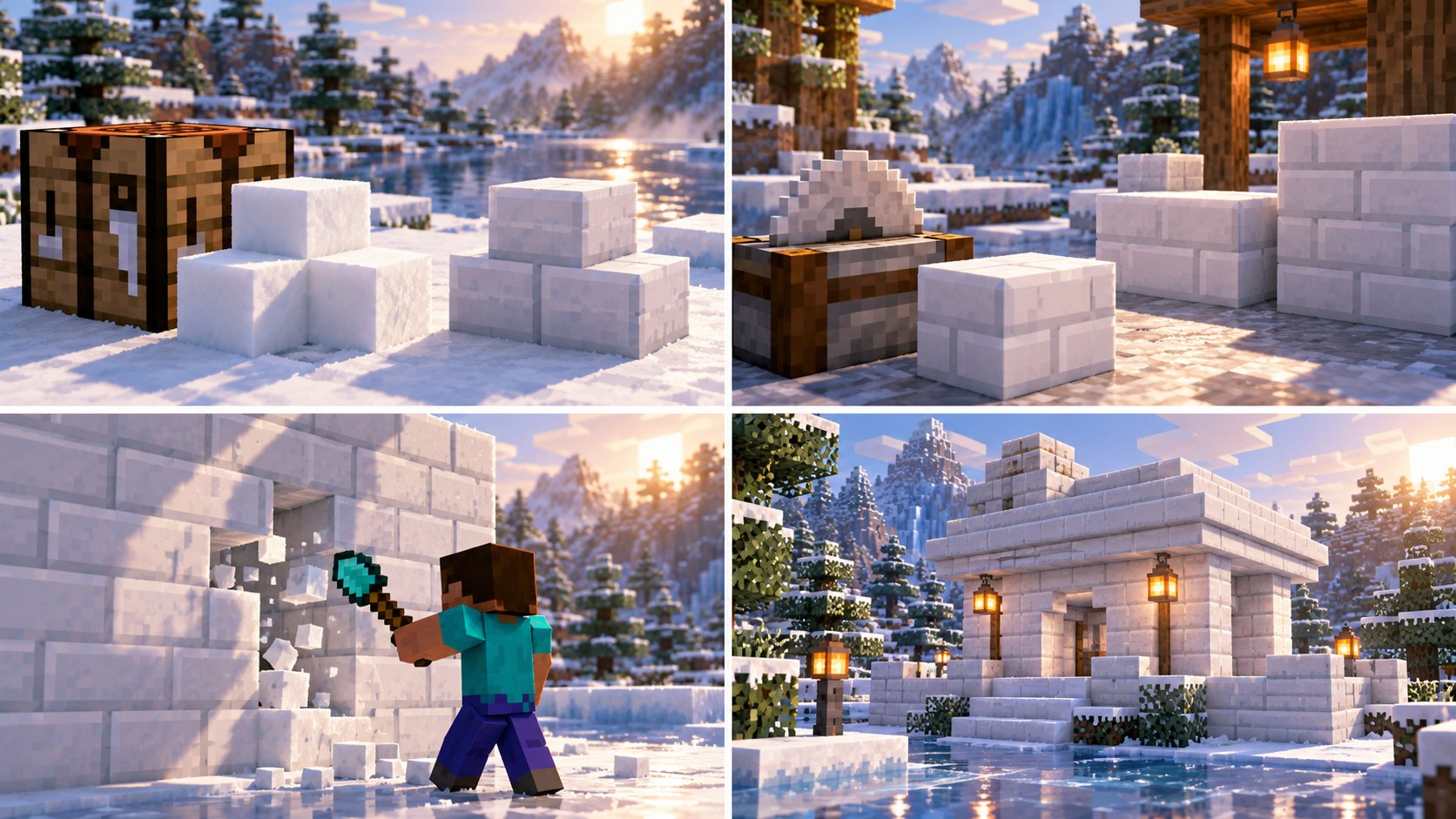
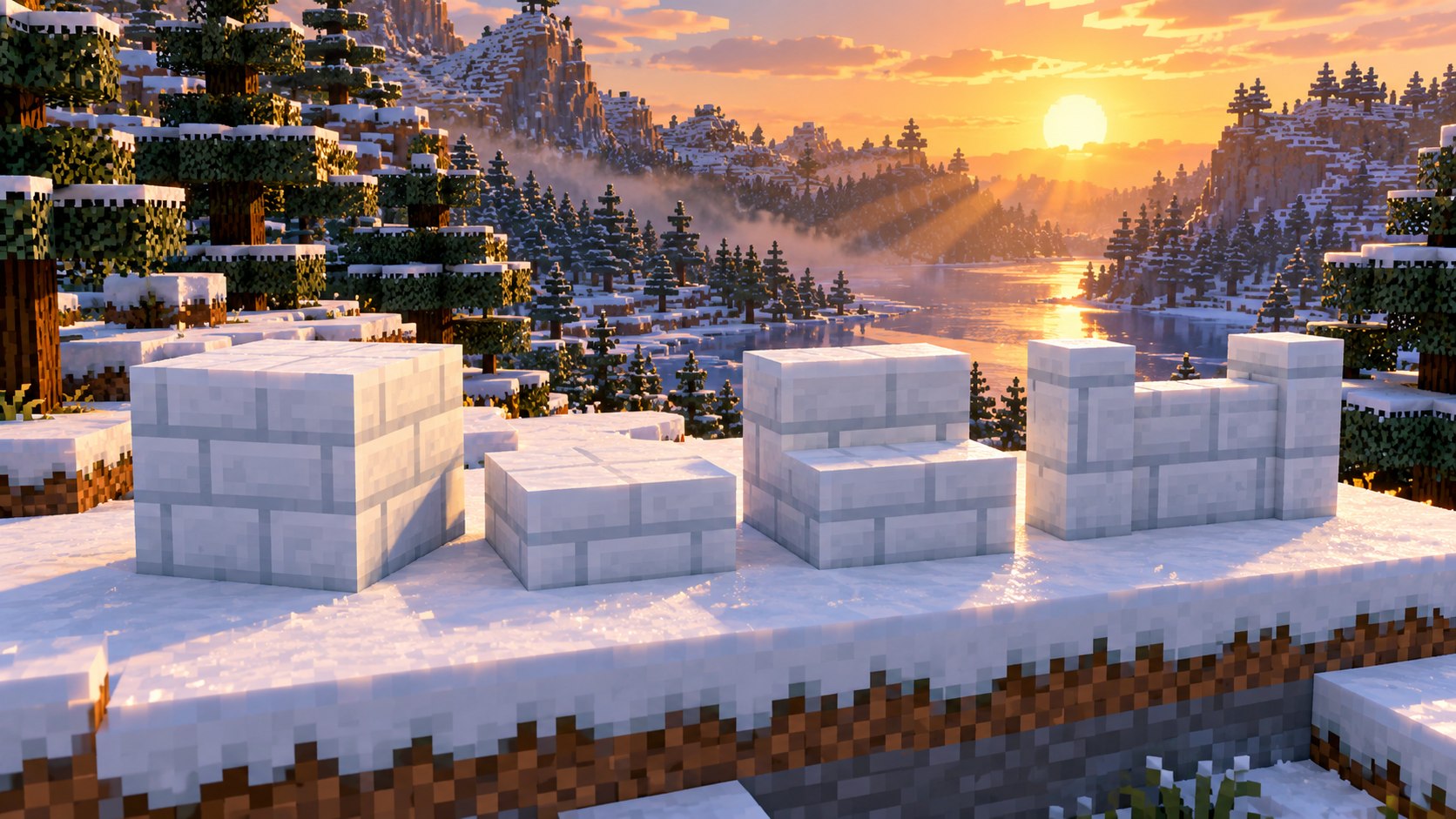
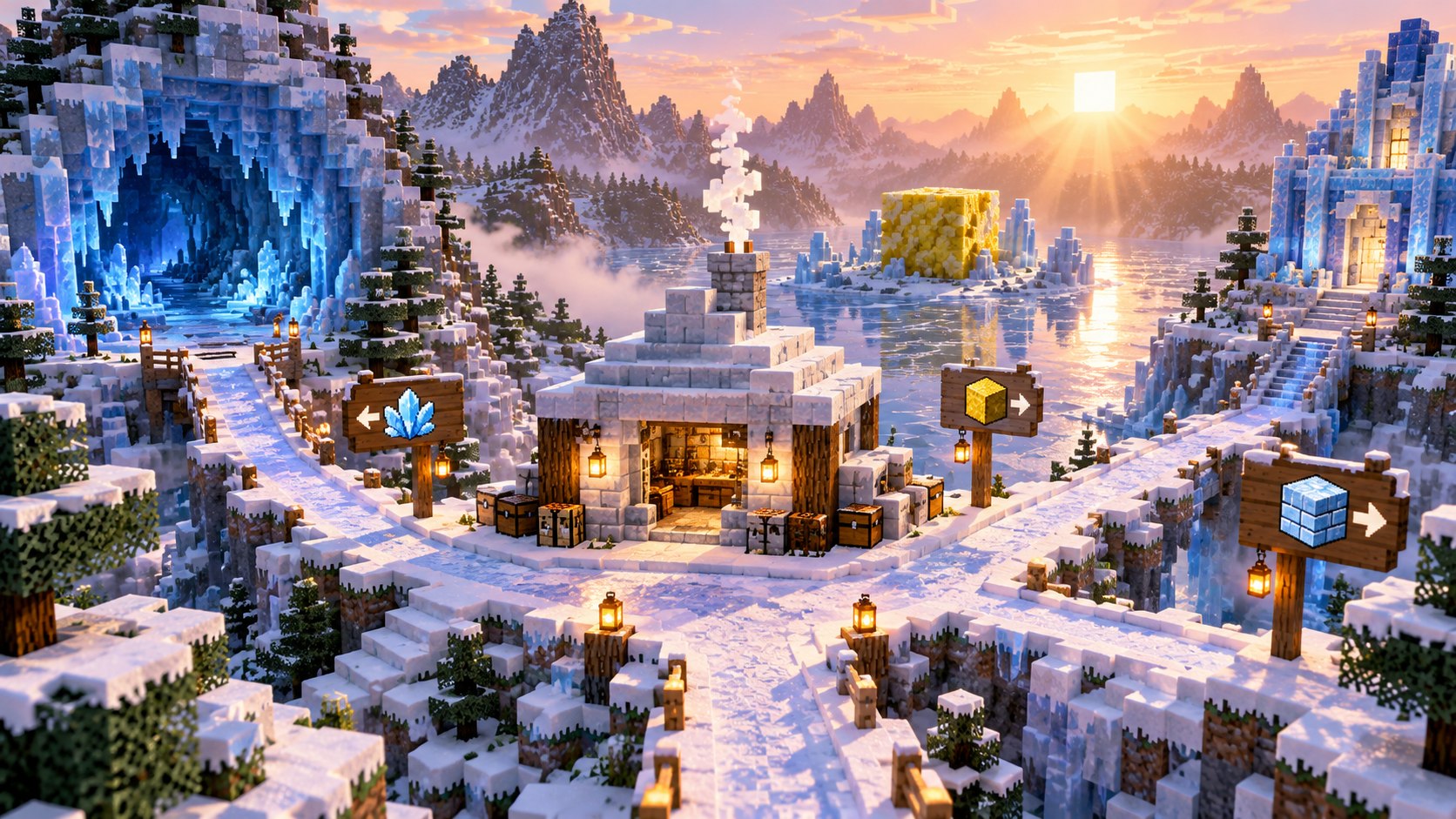
Image disclosure: the visuals in this guide are original editorial illustrations based on the documented mechanics. They are not captured gameplay screenshots and are not presented as independent proof.
Minecraft Snow Bricks Verification Status
| Claim | Editorial status | Evidence required |
|---|---|---|
| Four Snow Blocks craft four Snow Bricks | Confirmed in official Snapshot 6 data | Crafting-grid screenshot plus recipe JSON |
| Slab, stair and wall variants exist | Confirmed in official recipes | Crafting outputs and placed family |
| Stonecutter recipes are absent | Confirmed by recipe inventory; final game may change | Stonecutter UI with Snow Bricks selected |
| Shovel is the intended drop tool | Confirmed in Snapshot 6 notes | Survival break test |
Minecraft Snow Bricks at a Glance
| Output | Recipe | Result | Blocks per output |
|---|---|---|---|
| Snow Bricks | 2×2 Snow Blocks | 4 | 1 Snow Block each |
| Snow Brick Slab | 3 Snow Bricks in one row | 6 | 0.5 brick each |
| Snow Brick Stairs | Standard six-brick stair pattern | 4 | 1.5 bricks each |
| Snow Brick Wall | Two rows of three Snow Bricks | 6 | 1 brick each |
Which Minecraft Version Has Snow Bricks?
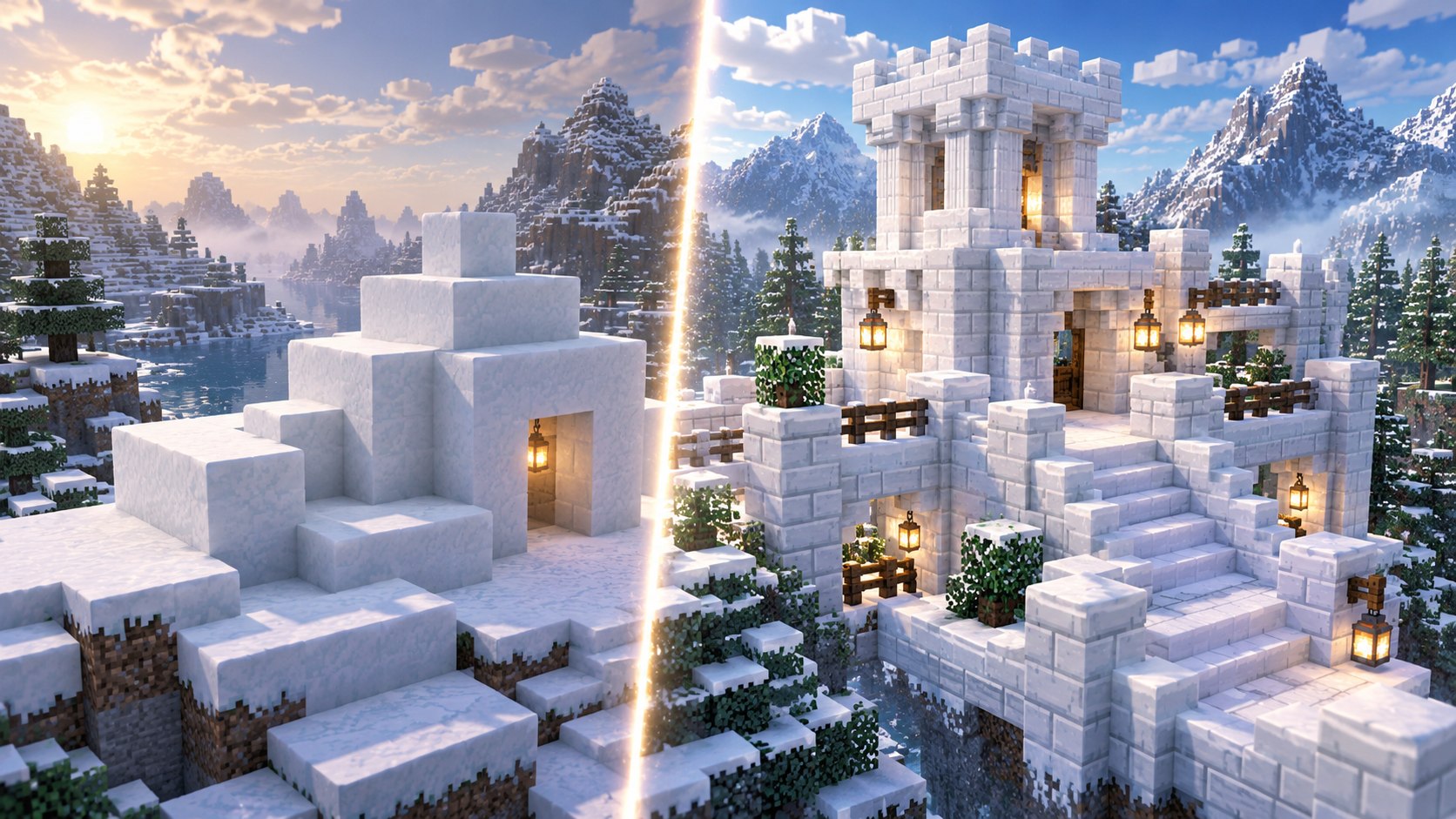
Snow Bricks first appear in the Java 26.4 development cycle and are explicitly listed in Snapshot 6. A world opened in stable 26.3, an older Snapshot, Bedrock retail, or an unupdated server will not necessarily recognize the block. The version label matters more than the launcher skin: confirm the game text on the title screen and test in a disposable world.
Snapshot recipes and mining behavior can change before release. A useful guide therefore records the checked build instead of saying only “Minecraft 26.4.” This guide is tied to Snapshot 6 and will be updated when Mojang publishes a later snapshot or the final 26.4 release.
How to Craft Snow Bricks
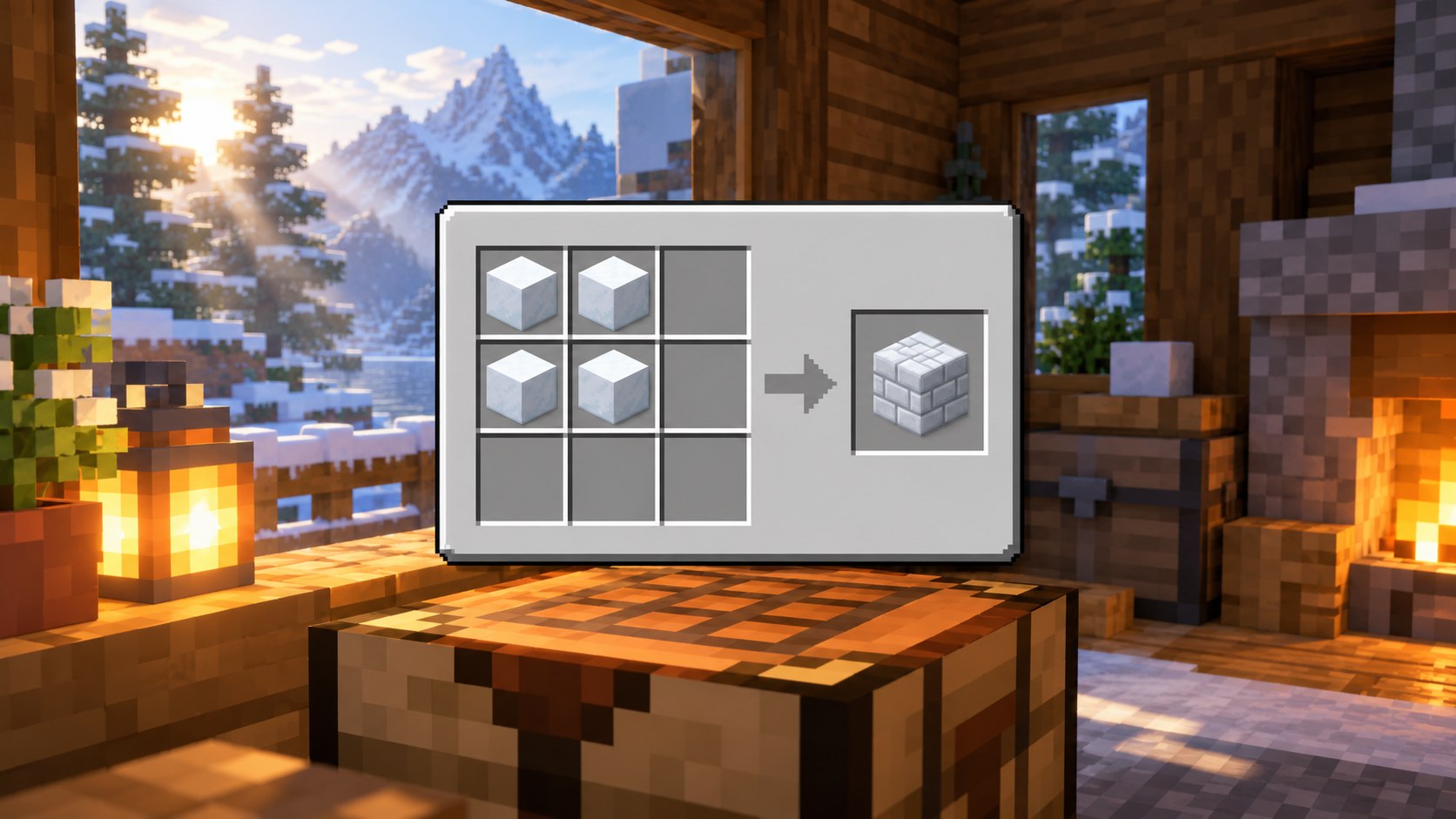
- Collect four Snow Blocks. Each Snow Block is made from four Snowballs if you need to compact loose snow.
- Open the 2×2 inventory crafting grid or a crafting table.
- Fill a 2×2 square with the four Snow Blocks.
- Move the four Snow Bricks from the output slot into your inventory.
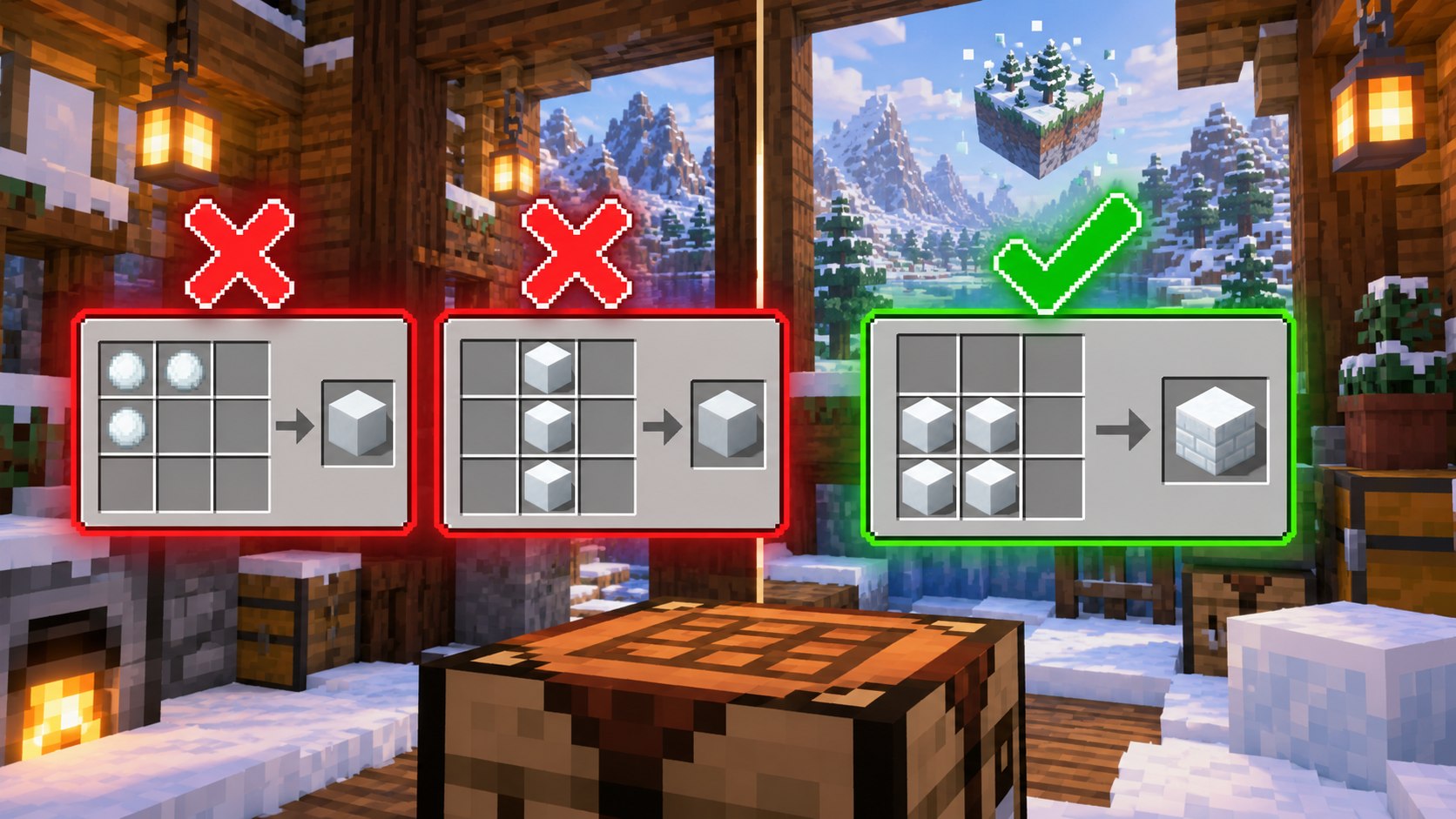
The recipe preserves material volume: four full Snow Blocks become four full Snow Bricks. That makes planning easy because a wall area of 100 full blocks begins with 100 Snow Blocks before variants and mistakes. Snow layers and Snowballs are not direct substitutes in the brick recipe; compact Snowballs into blocks first.
How to Craft Snow Brick Slabs
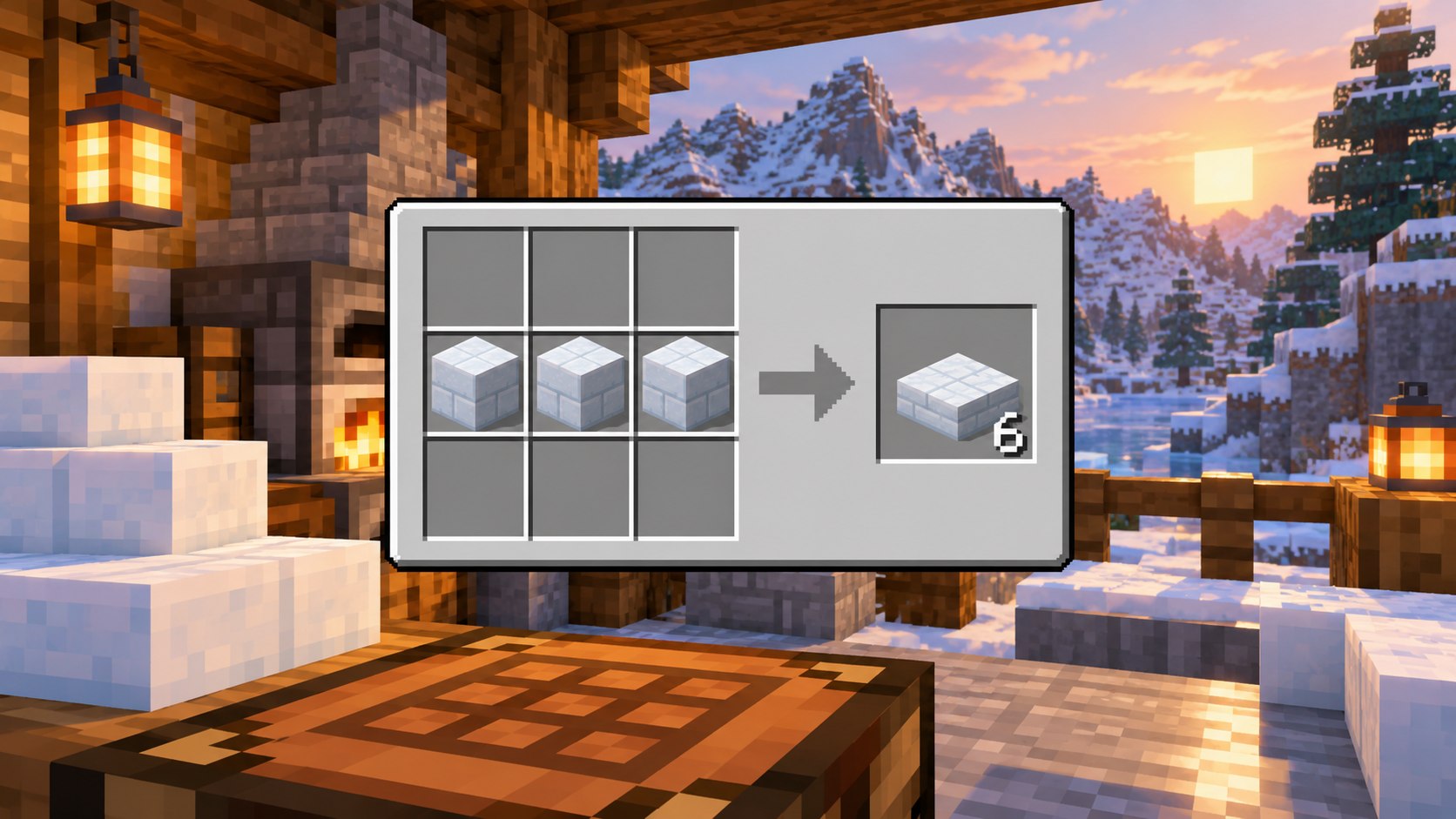
Place three Snow Bricks across any horizontal row of a crafting table to receive six Snow Brick Slabs. Two slabs occupy the volume of one full block, so the conversion is exact: three full bricks become six half blocks. Slabs are the most economical way to add ledges, low steps, windowsills and gentle height changes.
Use bottom slabs when you want a low walking surface and top slabs when the upper half of the block must align with nearby trim. As with other slabs, placement depends on the face and half of the block you target. Practice on a temporary line before committing to a detailed roof edge.
How to Craft Snow Brick Stairs
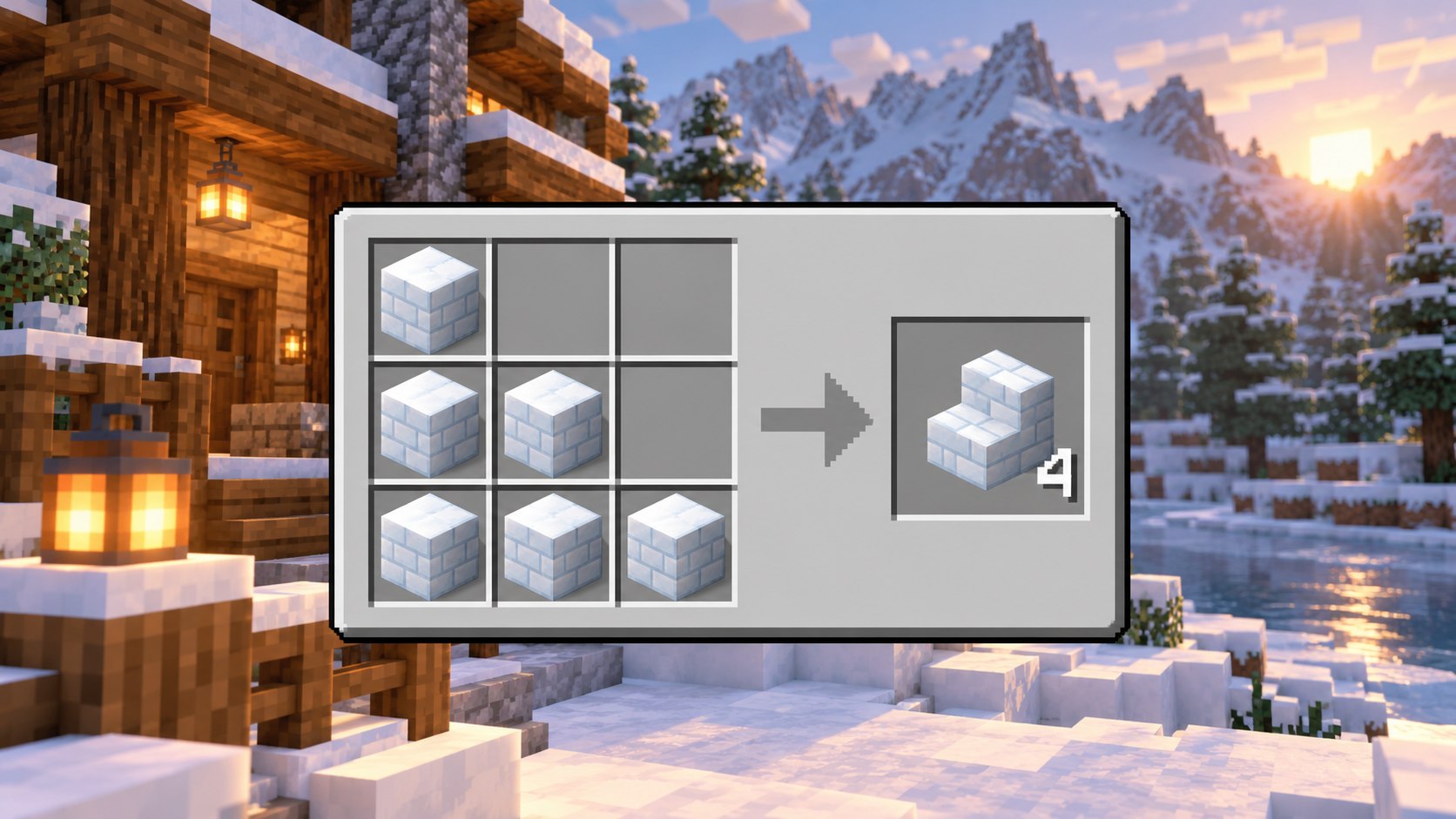
Arrange six Snow Bricks in the familiar stair silhouette: one brick in the top-left, two across the middle-left, and three across the bottom. The recipe produces four Snow Brick Stairs. The input-to-output ratio makes stairs more expensive than slabs or walls, so calculate rooflines and spiral steps before gathering snow.
Stairs automatically form inner and outer corners according to their neighbors and facing. Snow Bricks are visually light, which makes incorrect orientation easier to miss against natural snow. Place from the direction the stair should face and inspect every corner from both sides before repeating a pattern.
How to Craft Snow Brick Walls
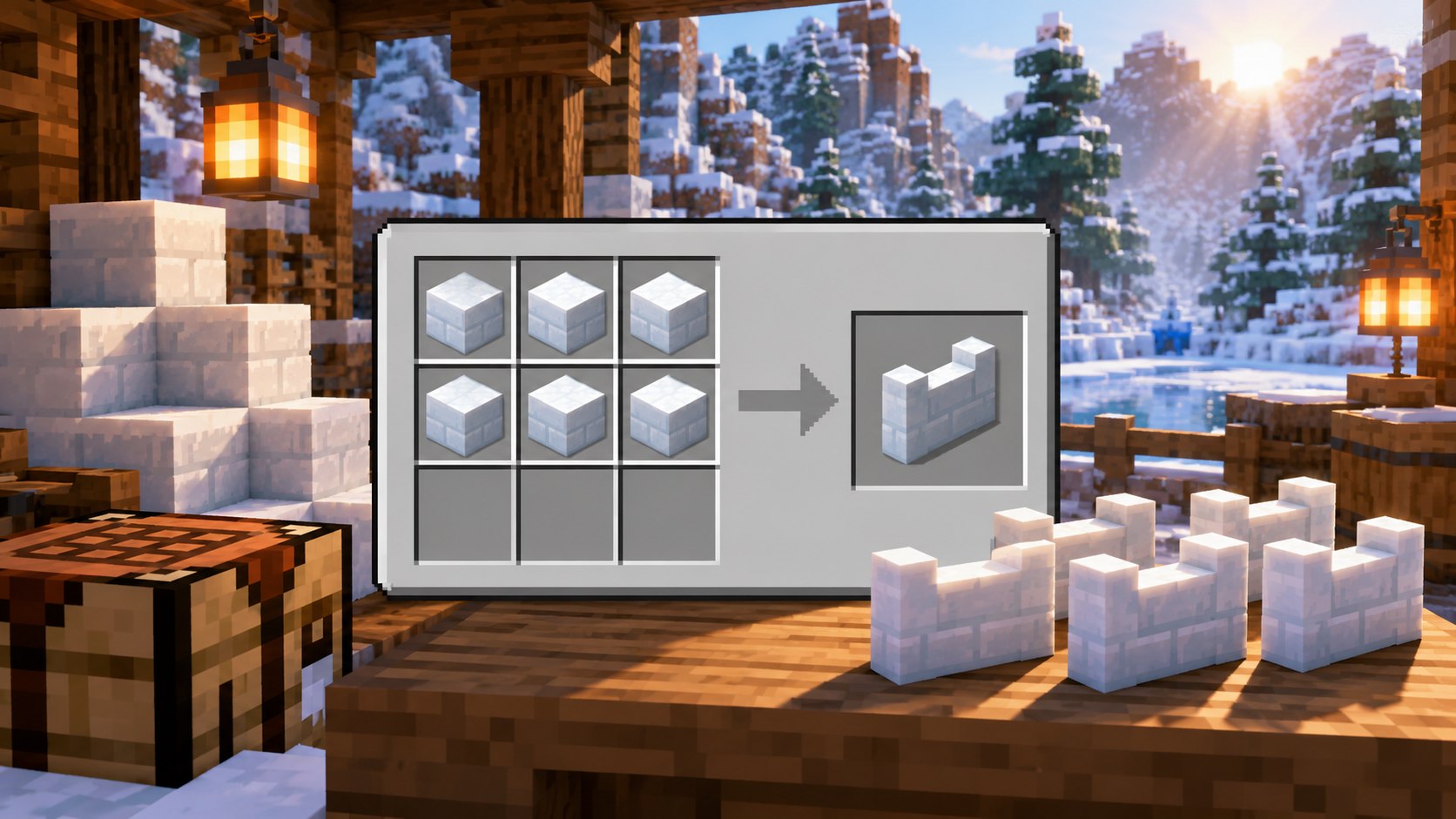
Fill two horizontal rows with six Snow Bricks to craft six Snow Brick Walls. Walls connect to adjacent walls, many solid blocks and some interactive blocks, creating posts and low barriers. The one-to-one block cost makes them practical for balcony rails, path borders and cold-biome courtyards.
A wall is not the same shape as a full cube, so use its visible connection rules when estimating a façade. Test gates, panes and corner posts in a small mock-up. A build can be material-correct yet look uneven when wall connections produce unexpected tall posts.
Can You Use a Stonecutter for Snow Bricks?
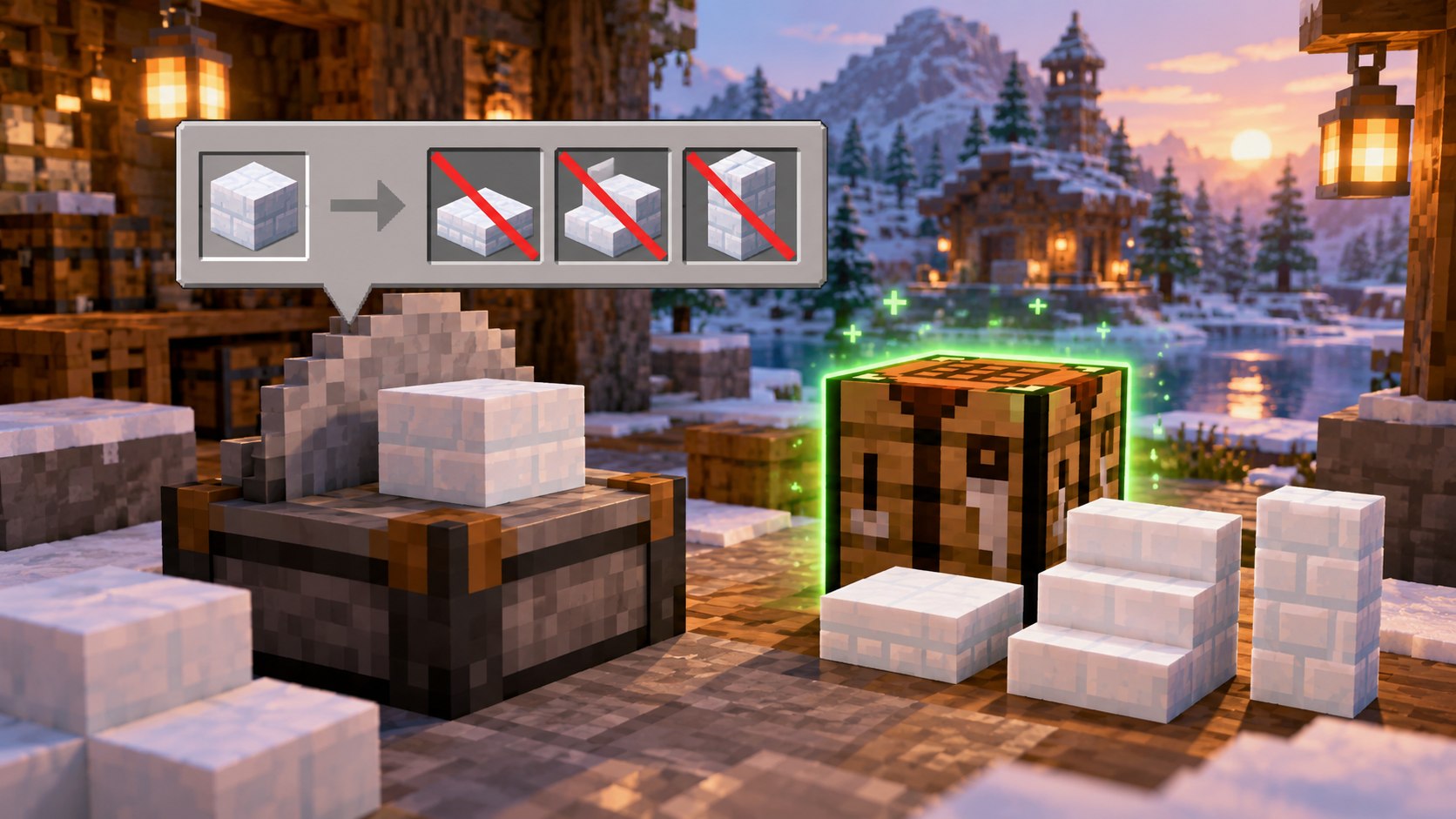
Not in the checked Snapshot 6 recipe set. Packed Ice Bricks have stonecutting options, but Snow Bricks do not. If you insert Snow Bricks and no output appears, the stonecutter is behaving as documented rather than malfunctioning. Use the crafting-table recipes for slabs, stairs and walls.
This difference is easy to miss because the two new brick families look parallel. Do not copy a Packed Ice Bricks instruction into a Snow Bricks guide. The final 26.4 release may add or remove recipes, so this is one of the first details to re-test at release candidate time.
How to Mine and Collect Snow Bricks
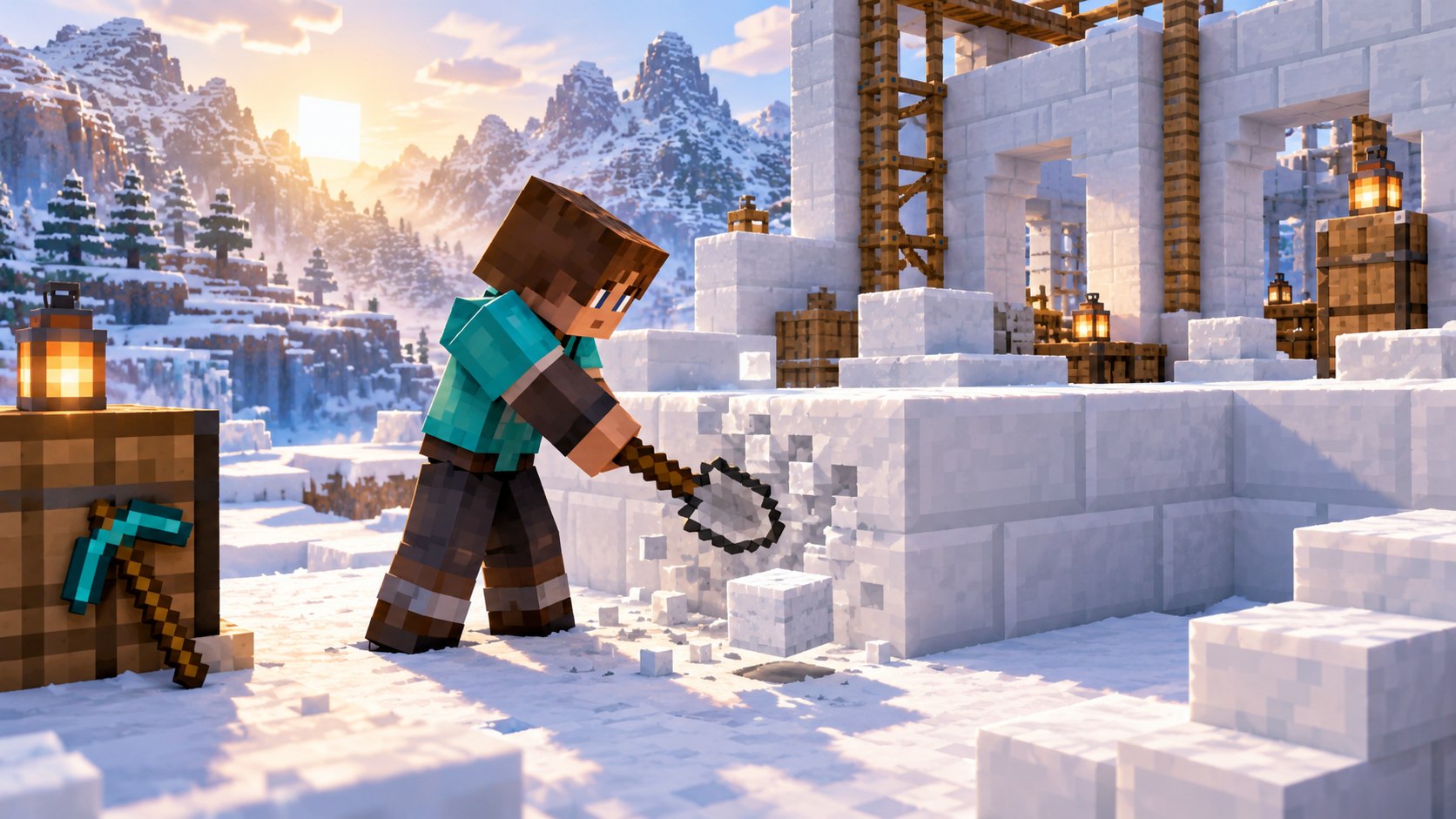
Snapshot 6 says the Snow Brick family must be mined with a shovel to drop. Treat the shovel as the correct harvesting tool for the full block, slab, stair and wall. A hand or the wrong tool may destroy the placed piece without returning it, which is costly during a large build even when snow itself is renewable.
Carry a spare shovel and test one block before dismantling a structure. Creative mode instantly removes blocks and cannot prove Survival drops, so GamerCubic’s evidence image must come from a Survival test or a controlled command setup that still uses Survival mining rules.
How Many Snow Blocks Do You Need?
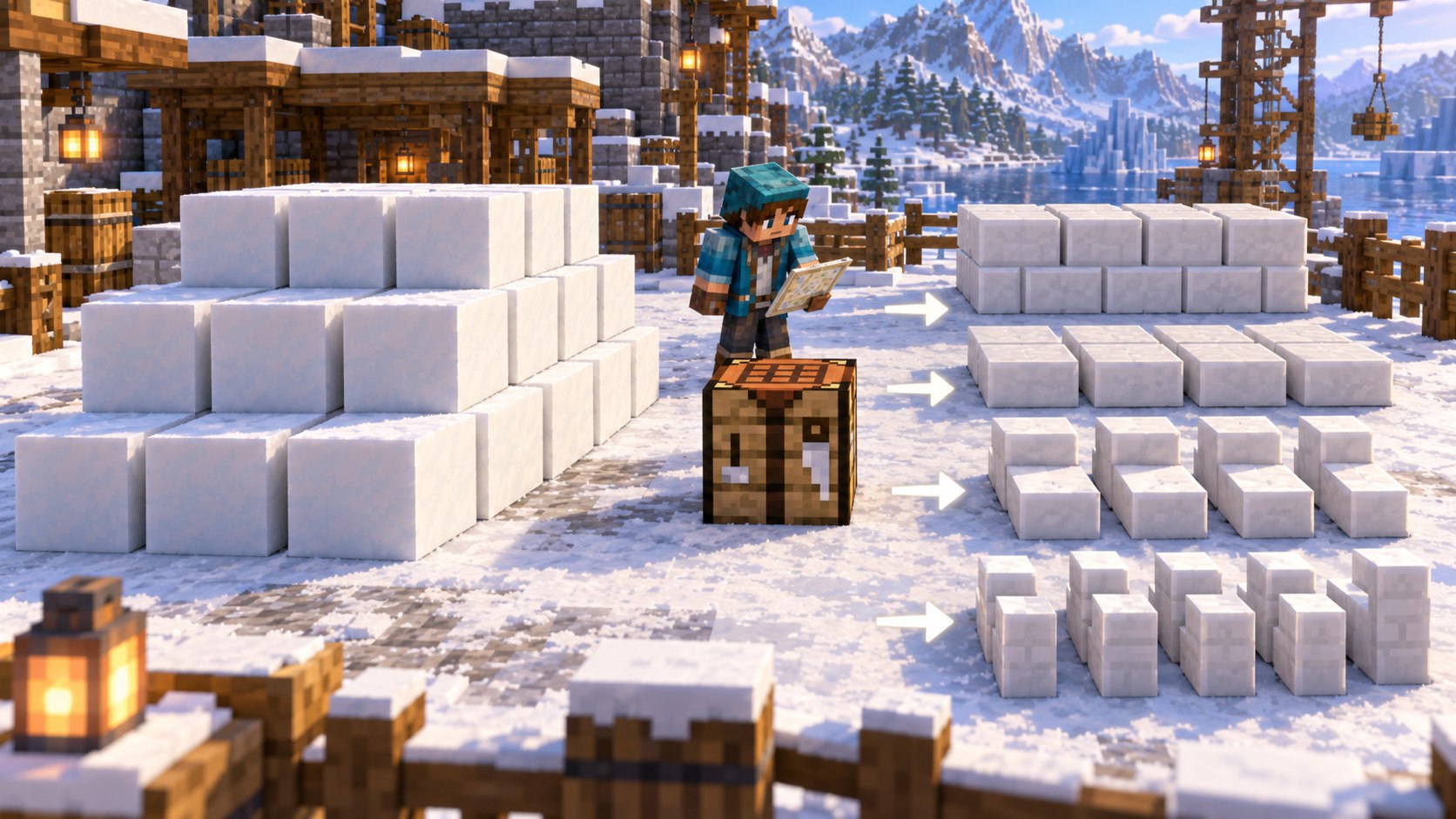
| Build target | Snow Bricks needed | Snow Blocks to craft them |
|---|---|---|
| 64 full bricks | 64 | 64 |
| 64 slabs | 32 | 32 |
| 64 stairs | 96 | 96 |
| 64 walls | 64 | 64 |
Stairs are the material-heavy outlier: six bricks produce only four stair blocks. Slabs stretch materials farthest because each full brick becomes two slabs. Add roughly ten percent to a survival estimate when the shape contains many corners, revisions, or temporary scaffolding.
Best Building Uses for Snow Bricks

- Cold-biome foundations: a cleaner masonry transition between natural snow and a structure.
- Winter roofs: slabs and stairs provide a shaped snowy roof without relying only on thin Snow Layers.
- Frozen courtyards: walls create bright railings that match packed-ice paths.
- Interior trim: the light texture can frame darker spruce, deepslate or copper.
- Temporary test palettes: the renewable base material makes large mock-ups less expensive than quartz.
Snow Bricks are best treated as architecture, not camouflage. Pair the regular grid of the brick texture with a rougher block such as Calcite, Stone, Tuff, stripped logs or natural Snow Blocks. Too many nearly white blocks without shadow lines can flatten the shape, especially in full daylight.
Edition, Version and Server Boundaries
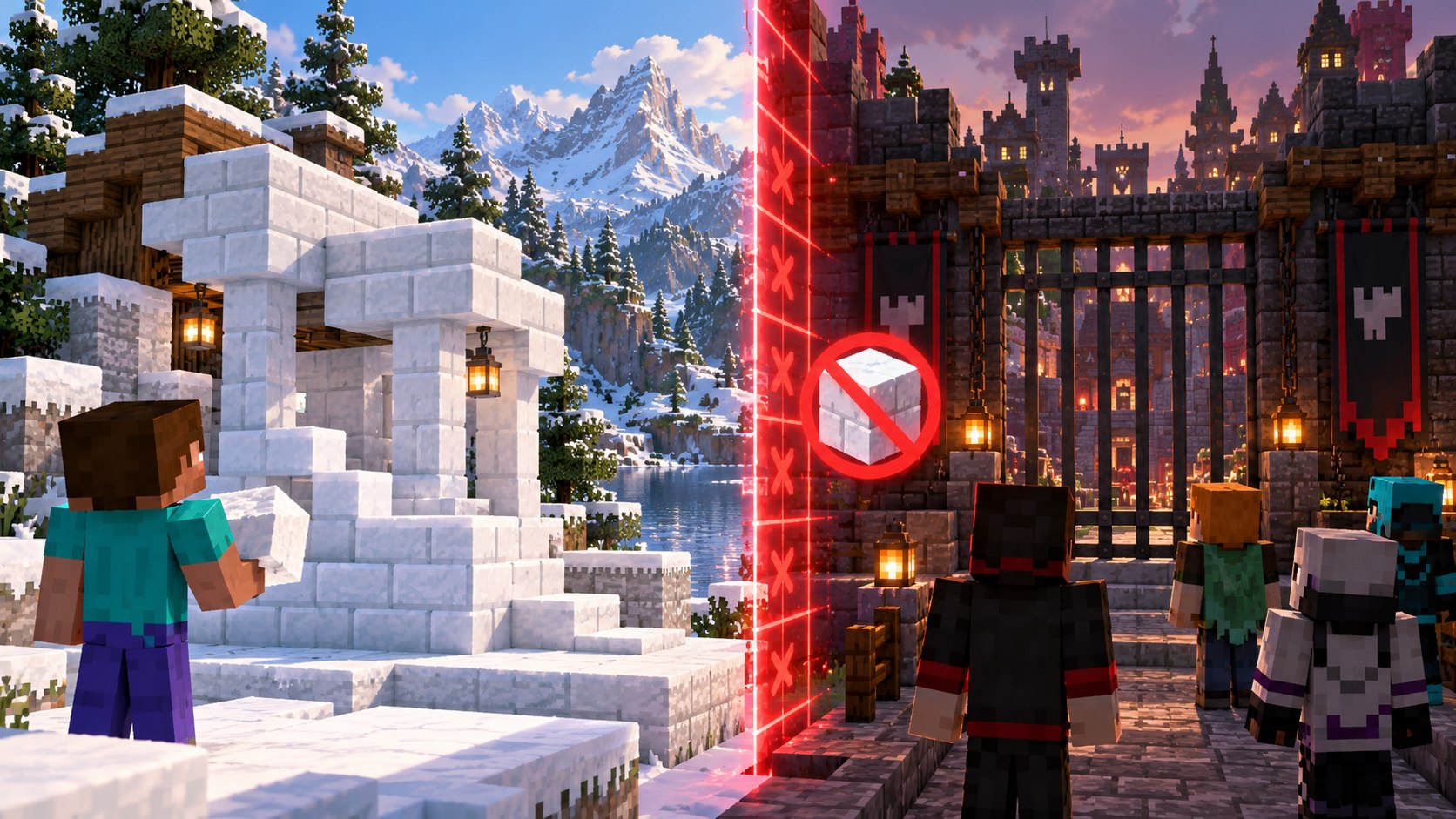
This guide is scoped to Java 26.4 Snapshot 6; feature is not in stable Java 26.3. A similar name in another edition, an older release, a Preview, a mod or a server plugin is not automatic proof of the same behavior. Before troubleshooting, compare the title-screen version, the world or server version and the exact item, block, entity or command namespace.
On multiplayer, the server controls registries, recipes, commands and most game logic. A newer client cannot add a Snapshot feature to an older server. Conversely, a modded server can make a result appear in a version where vanilla does not contain it. Final captions must say whether the test is vanilla, command-assisted or modded and must never hide that distinction.
What Counts as Valid In-Game Proof?
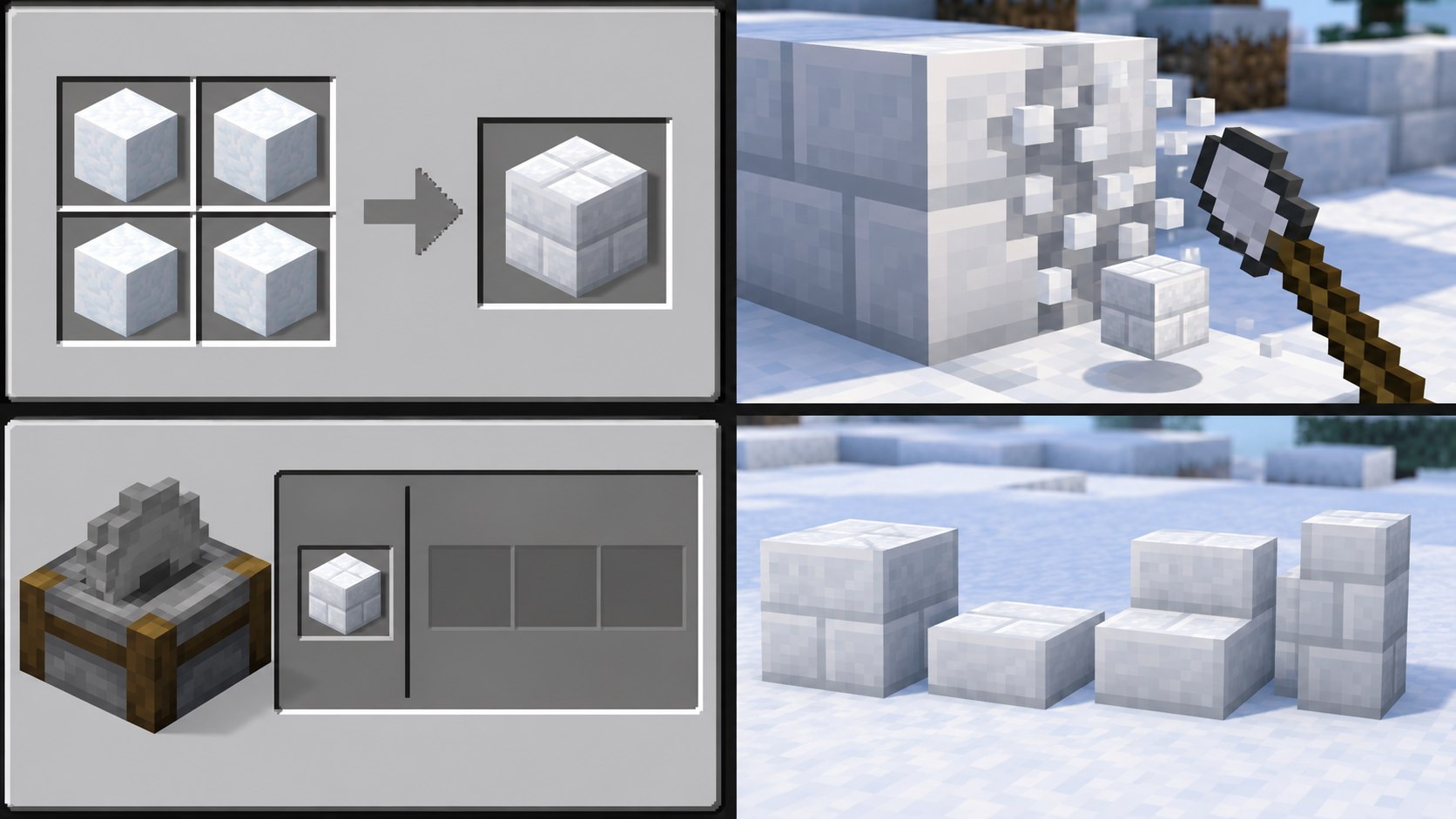
A valid proof image connects a claim to a visible result under controlled conditions. It shows the relevant game version or records it in the evidence ledger, keeps the important UI or item name readable, and includes a comparison when another mechanic could create the same appearance. The raw capture is retained before cropping and compression.
- Recipe claim: show ingredients, grid layout and output at the same time.
- Drop claim: use Survival rules and show the tool plus resulting item.
- Behavior claim: include a control where the trigger is absent or different.
- Location claim: show environmental context, coordinates and biome/version data where possible.
- Command claim: show the full command, parser output and resulting inventory or world state.
- Performance claim: record a timed sample and repeat it instead of using one favorable frame.
AI-generated scenery, a promotional render or another site’s screenshot can illustrate a concept, but none proves that GamerCubic reproduced it. The illustrations in this article are therefore labeled clearly and the factual claims rest on the cited Mojang documentation and checked recipe data.
Pre-Publication Test Checklist
- Recheck the newest Mojang release or Snapshot notes for changes after the research date.
- Repeat the core action twice in a fresh vanilla test world.
- Record the exact version, edition, world mode and any command assistance.
- Capture a wide context frame and a close proof frame at native resolution.
- Verify every number, item ID, recipe output and tooltip against the capture or official data.
- Test all internal and external links and remove any unsupported claim.
- Inspect the local preview on desktop and a narrow mobile viewport.
- Run the package validator only after real JPEG files, dimensions, hashes, captions and QA scores are complete.
Passing the source check is not the same as reproducing every result in an owned gameplay session. The status table at the top keeps those stages separate so readers can distinguish “officially documented” from “personally reproduced.”
Why Isn’t the Snow Bricks Recipe Working?
- You are not in Snapshot 6 or later: stable 26.3 does not include this recipe.
- You used Snowballs or Snow Layers: craft full Snow Blocks before making bricks.
- The 2×2 pattern is incomplete: every square must contain a Snow Block.
- You tried a stonecutter: Snapshot 6 has no Snow Brick stonecutting recipes.
- A server is older than your client: the server controls recipes and block availability.
- A data pack changed recipes: confirm the vanilla result in a fresh world.
Open a clean Snapshot 6 Creative world, give yourself four Snow Blocks, and test the 2×2 grid. A successful clean test proves the feature is present; compare the failing world’s server version, data packs, and recipe book afterward.
Frequently Asked Questions
Are Snow Bricks in stable Minecraft 26.3?
No. They are documented for Java 26.4 Snapshot 6 at this check.
Do Snow Bricks melt?
Mojang’s Snapshot 6 notes describe recipes and harvesting but do not state that the brick family melts; verify final-release behavior before making a permanent claim.
Can you craft Chiseled Snow Bricks?
No chiseled Snow Brick recipe appears in the checked Snapshot 6 recipe data.
Can Snow Bricks be stonecut?
Not in Snapshot 6. Craft the variants on a crafting table.
What tool mines Snow Bricks?
Use a shovel to receive the placed block.
How many bricks do four Snow Blocks make?
Four Snow Blocks craft four Snow Bricks.
Sources and Verification Method
This guide prioritizes primary documentation: Minecraft Java Edition 26.4 Snapshot 6 notes and Mojang’s 26.4 testing overview. The official client recipe files were also inspected for exact ingredient layouts and output counts. Generated artwork is labeled as illustration and is not accepted as independent verification.
Continue Exploring Minecraft Snow Bricks
Use the related GamerCubic resources to keep the next step practical: Blocks & Items guides Minecraft hub
Final Verdict

Snow Bricks are a straightforward one-to-one conversion from Snow Blocks and a useful architectural family, but their workflow differs from Packed Ice Bricks: craft every variant on a grid and harvest with a shovel. The source check is complete for Snapshot 6; recheck these mechanics when Mojang publishes a later Snapshot or the final 26.4 release.
Continue Exploring
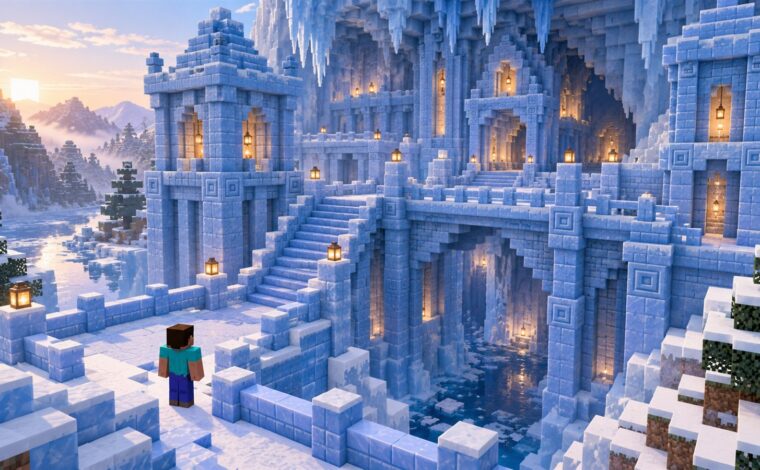
Minecraft Packed Ice Bricks Recipe: Chiseled, Slabs, Stairs & Walls (26.4)
Exact crafting and stonecutter recipes for Packed Ice Bricks, slabs, stairs, walls and Chiseled Packed Ice Bricks in Minecraft Java 26.4.
Minecraft /give Command Not Working? Fixes & Examples
Fix Minecraft /give errors by checking edition, command permissions, target selectors, item IDs, and version-specific Java item components. Includes plain Java and Bedrock examples and links to official command references.

How to Make an Automatic Jukebox in Minecraft 26.4 (Music Disc Playlists)
Build a two-block automatic Jukebox Playlist, control Music Disc order, skip tracks and troubleshoot Java Snapshot or Bedrock Preview setups.