How to Hide Armor in Minecraft Bedrock: Invisible Armor Guide
Hide
By GamerCubic Editorial Team · Last checked: November 11, 2026 · Version checked: Minecraft Bedrock Preview/Beta 26.70.24
Quick answer: To hide armor in Minecraft Bedrock, first enable Invisible Armor in the world settings. For a new world, find it on the Advanced tab; for an existing world, open that world’s settings. After joining the world, open your inventory and select the eye button to hide or show the armor you are wearing. The armor remains equipped, but it reappears for five seconds whenever you take damage. Elytra, mob heads, and carved pumpkins cannot be hidden with this control.
Quick picks:
- New world: Create New World → Advanced → enable Invisible Armor.
- Existing world: edit the world settings and enable Invisible Armor before entering.
- Hide or show gear: open the inventory and select the eye button.
- Missing option: confirm that you are using Bedrock Preview/Beta 26.70.24 or a later build that still includes the feature.
Version alert: Invisible Armor debuted in the November 10, 2026 Bedrock Preview/Beta 26.70.24. It is a work-in-progress feature, not a confirmed option in the current stable Bedrock release. Preview and Beta behavior can change before the final game drop, so use a copied or backed-up world.
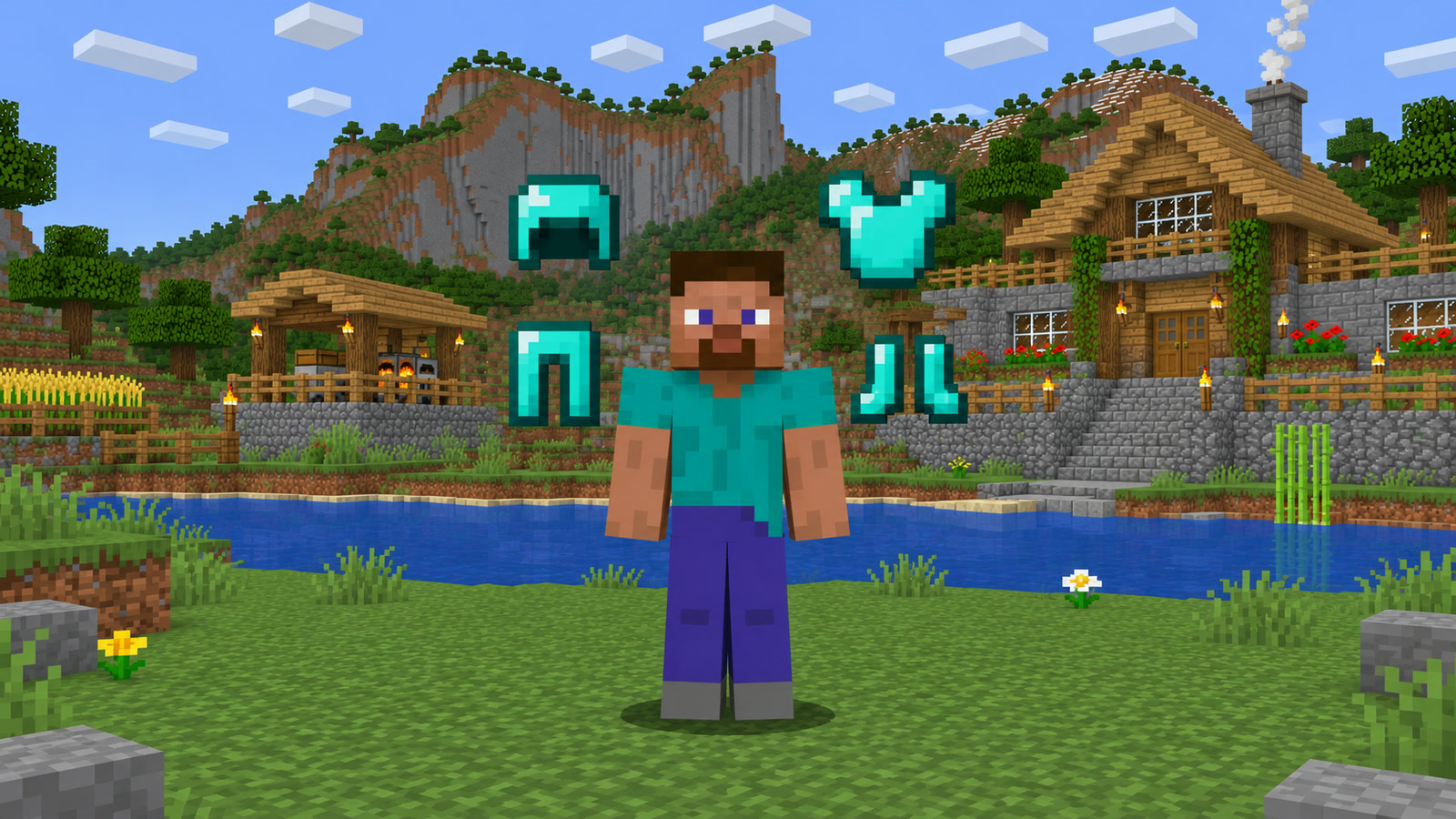
This guide uses Mojang’s official changelog and pinned Invisible Armor explanation. GamerCubic did not claim a first-hand test, and the illustrations below are explanatory artwork rather than screenshots of the Preview interface.
Minecraft Invisible Armor at a Glance
| Question | Checked answer |
|---|---|
| Which edition has it? | Bedrock Edition Preview/Beta |
| First documented build | Preview/Beta 26.70.24 |
| Where is it enabled? | World settings, or the Advanced tab for a new world |
| How is armor hidden? | Use the eye button in the inventory |
| Does damage reveal it? | Yes, for five seconds |
| What always stays visible? | Elytra, mob heads, and carved pumpkins |
| Is there a gamerule? | Yes: invisibleArmor |
| Is Java support confirmed? | No Java equivalent is documented in the checked announcement |
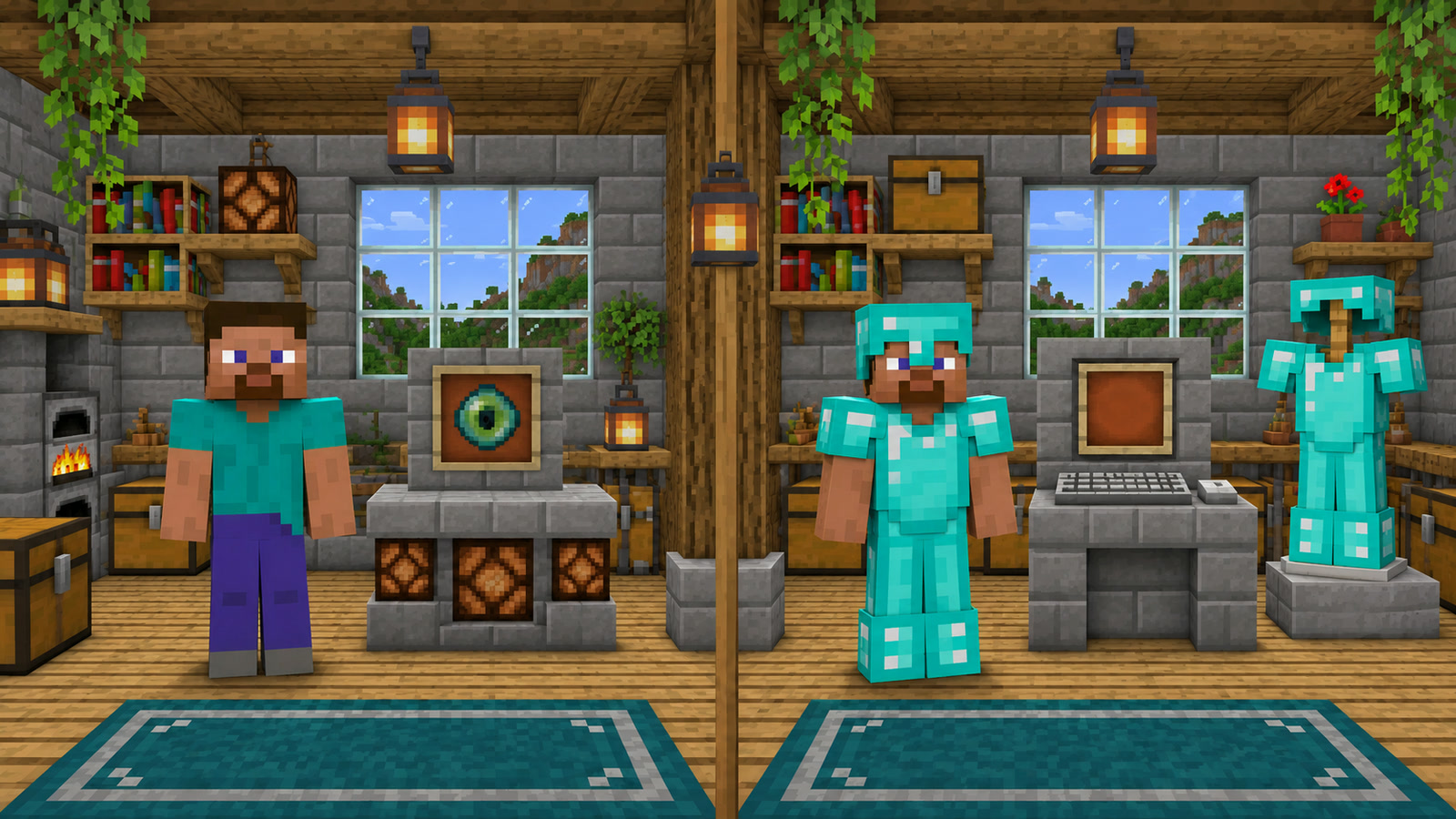
Invisible Armor is a world-level permission plus a player-facing display control. Enabling the setting makes the inventory eye button available; the eye button then switches the appearance of the armor you are wearing. Mojang describes the hidden gear as armor that is still protecting you, which distinguishes this feature from removing equipment.
How to Enable Invisible Armor in Bedrock
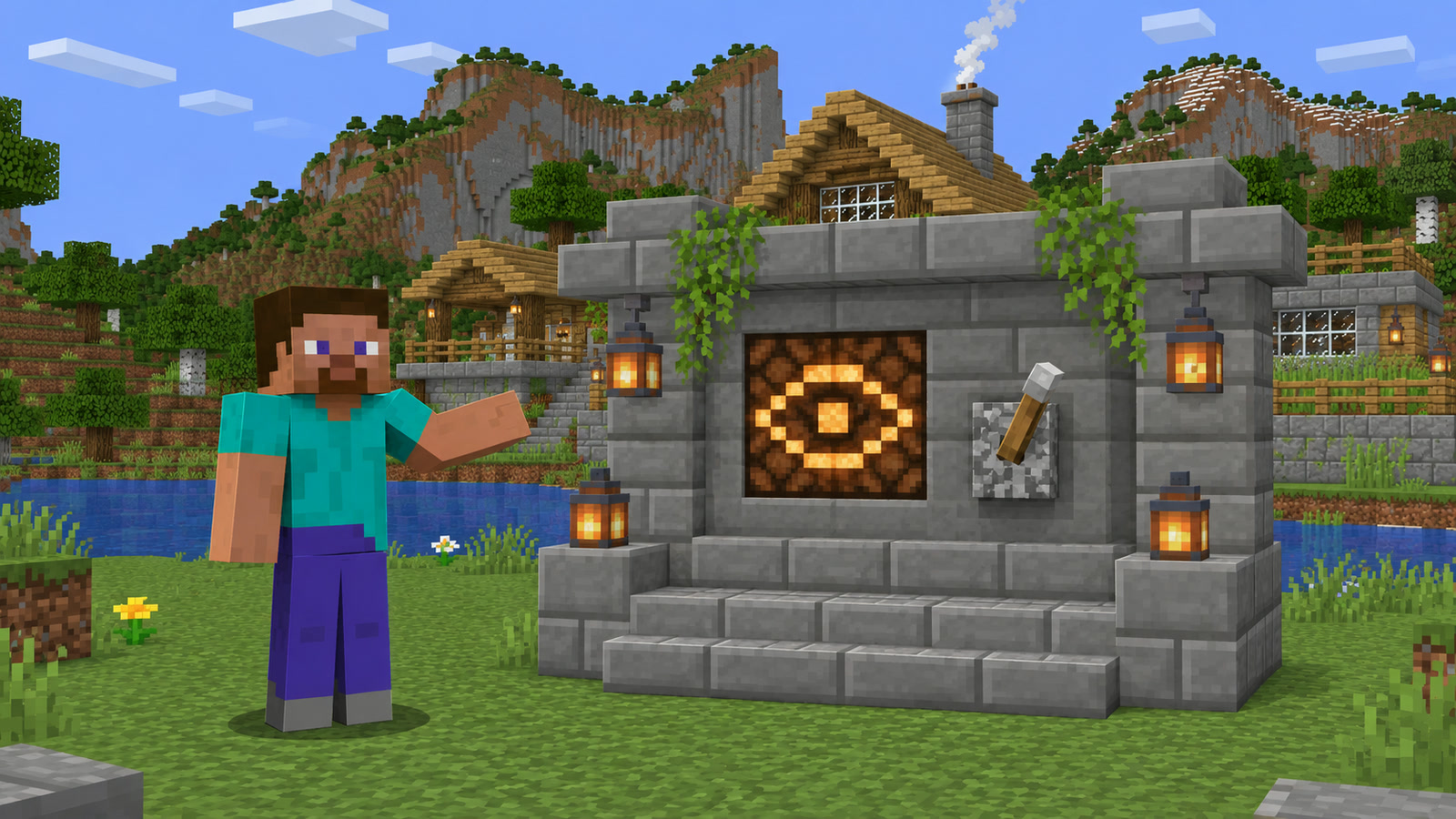
For a new world, start creating a Bedrock world, open the Advanced tab, and turn on Invisible Armor. Finish the remaining world options and create the world normally. The exact menu layout may move during Preview development, but “Advanced” is the location named in Mojang’s 26.70.24 notes.
For an existing world, return to the Play screen, select the world’s edit or settings control, find Invisible Armor in the world settings, and enable it. Re-enter the world, open your inventory, and look for the eye button. If you manage a multiplayer world, remember that the setting belongs to the world; the eye control is what a player uses after the feature is available.
- Check the version number on the Bedrock title screen.
- Back up or copy any world you cannot afford to damage.
- Enable Invisible Armor in the correct world’s settings.
- Load that world and equip at least one normal armor piece.
- Open the inventory and select the eye button.
- Close the inventory and confirm that your skin is visible while the armor remains equipped.
Minecraft Preview is available on supported Xbox, PlayStation, Windows, and iOS devices, while Android uses the Beta program. Mojang warns that these development builds can be unstable. Android players should be especially careful because joining the Beta can replace the normal Minecraft client; follow the official backup guidance before opting in.
How to Hide or Show Armor With the Eye Button
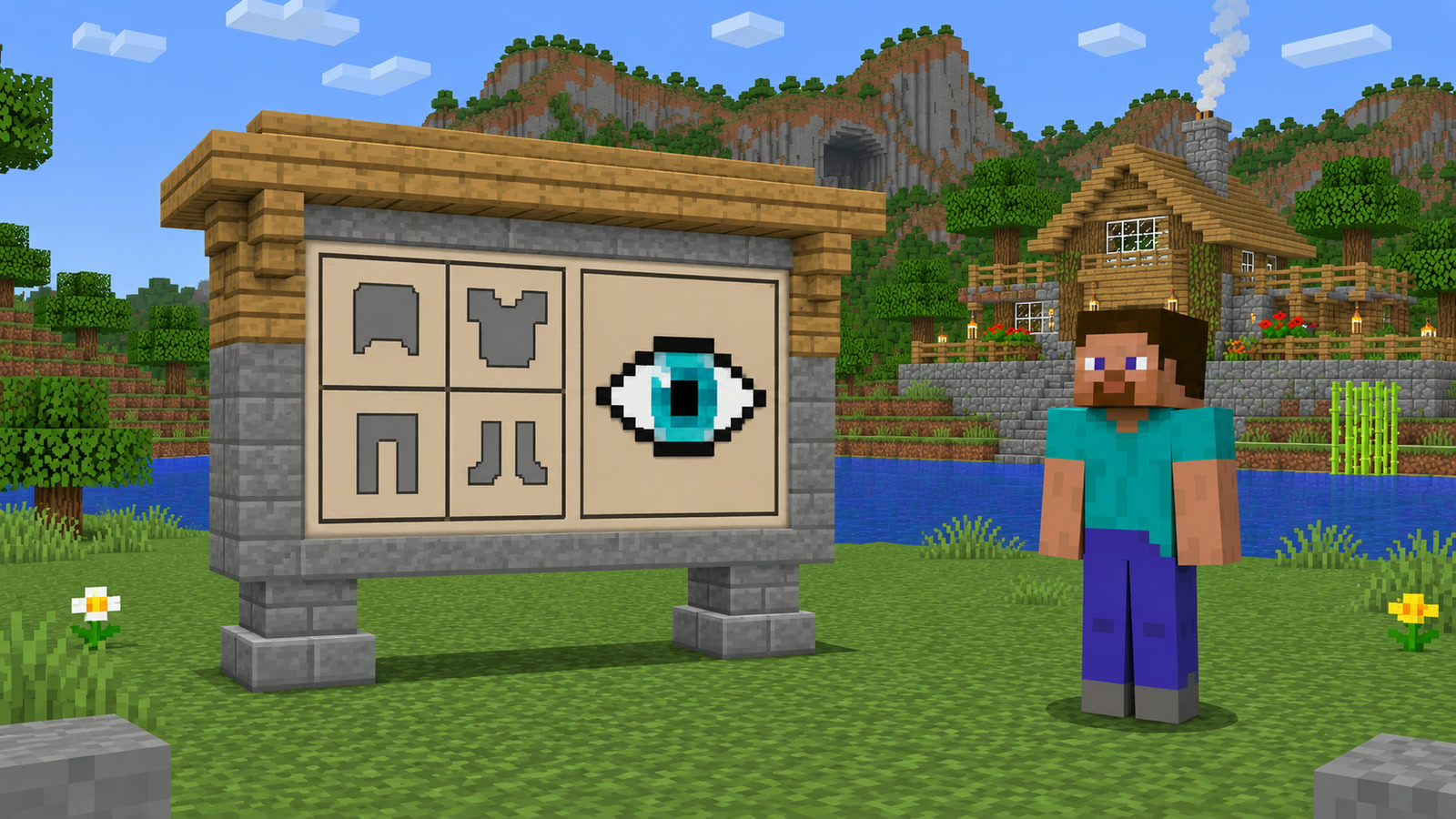
Once Invisible Armor is enabled for the world, open your inventory and select the eye button. One state displays supported equipped armor; the other hides it so your character skin can be seen. Select the same control again whenever you want the armor to return.
The initial feature is an all-at-once visibility switch. Mojang’s official feedback thread has players asking for separate controls for individual armor slots, which indicates that per-piece hiding is not part of the announced 26.70.24 design. Do not promise that a player can hide only a helmet or chestplate unless a later changelog adds that ability.
The toggle is visual. You should not remove the helmet, chestplate, leggings, or boots from their equipment slots just to show your skin. Mojang’s pinned explanation says the armor becomes visible after damage “so you can still tell when it’s protecting you.” The announcement does not claim changes to armor points, enchantments, durability, or item effects.
Why Hidden Armor Reappears After Damage
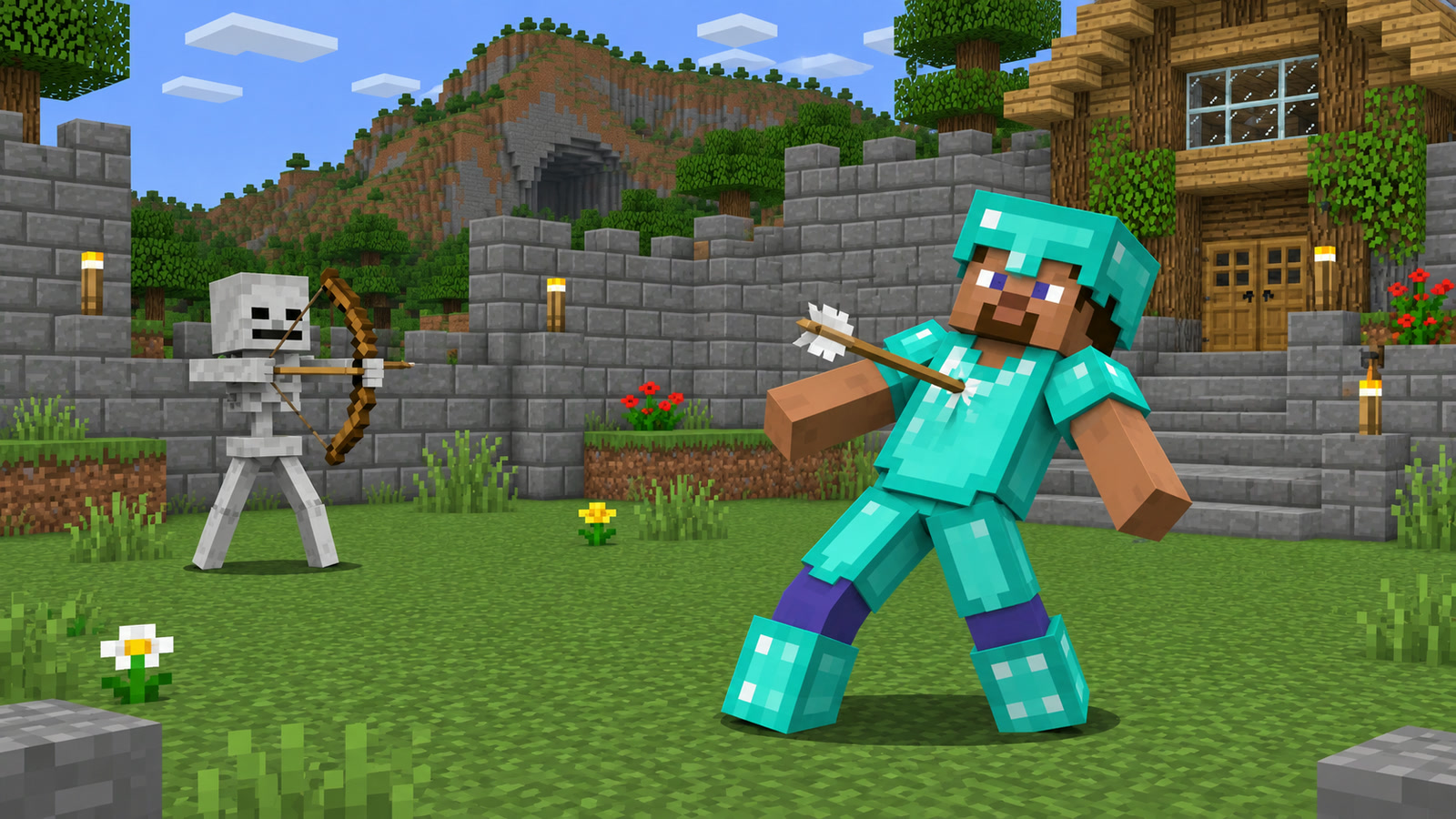
Hidden armor temporarily reappears for five seconds whenever you take damage. This is intended behavior, not proof that the setting failed. The reveal gives visual feedback that the character is wearing protection, then the hidden appearance returns after the five-second period.
That rule matters in combat, mob farms, fall-damage tests, and hazardous builds. Repeated damage can make the armor seem constantly visible because each new hit can begin another reveal period. Move somewhere safe, wait longer than five seconds without taking damage, and check again before troubleshooting the eye button.
The official notes do not document special timings for fire, poison, starvation, the Void, or individual server damage sources. The reliable published rule is simply that taking damage reveals the gear for five seconds. Avoid turning a single Preview observation into a universal exception while the feature is still being tuned.
Which Equipment Stays Visible?
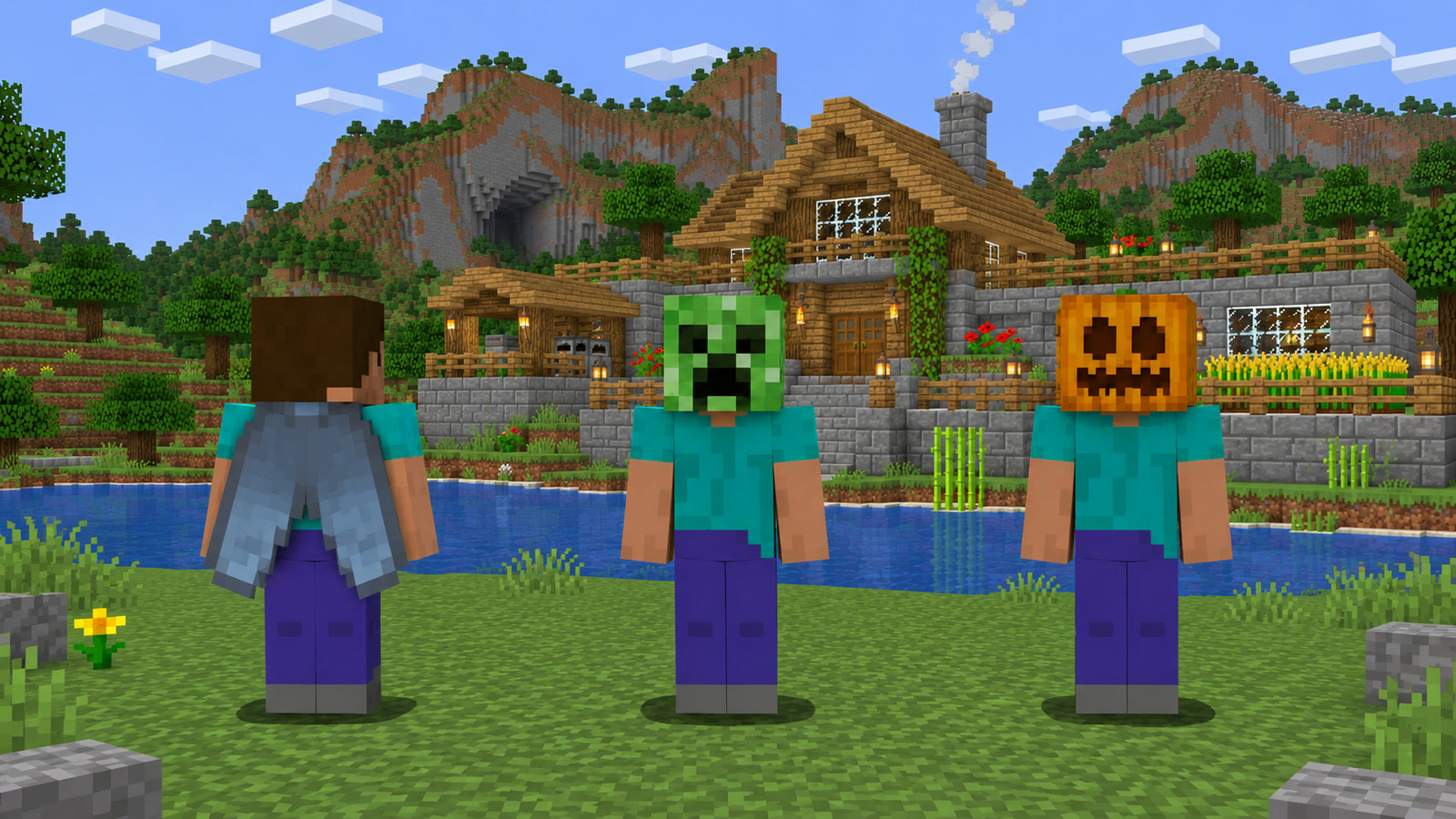
Mojang names three exceptions that always remain visible:
- Elytra: hiding armor does not conceal equipped wings.
- Mob heads: wearable mob heads stay on the character model.
- Carved pumpkins: a pumpkin worn in the helmet slot stays visible.
These exceptions prevent Invisible Armor from becoming a general “hide every equipped visual” feature. The eye button is specifically described as hiding armor, not skins, held items, capes, shields, or every wearable cosmetic. If an item outside the four normal armor pieces remains visible, first check whether it belongs to one of Mojang’s documented exceptions.
The feature also is not the same as the Invisibility status effect. Invisible Armor exposes the player’s skin by concealing supported gear. An Invisibility potion affects the player model under a separate status-effect system and historically does not simply provide this new skin-showing behavior. Use the world setting when the goal is fashion or skin visibility while staying armored.
How to Use the Invisible Armor Gamerule
Bedrock Preview/Beta 26.70.24 adds an invisibleArmor gamerule alongside the menu setting. With commands available and the required operator permission, the expected Bedrock gamerule syntax is:
/gamerule invisibleArmor trueUse false instead of true to disable the world rule. Mojang’s changelog confirms the gamerule name but does not provide a longer command tutorial, permission matrix, or command-output example. If the command is rejected, check the spelling, Preview version, command permissions, and whether the current server build supports the rule.
For an ordinary personal world, the menu toggle is simpler and avoids command-permission confusion. The gamerule is most useful for world owners, operators, test environments, and command-driven setup. A normal player cannot assume that joining a newer client grants permission to change a server’s world rules.
Java vs Bedrock Invisible Armor Differences
| Detail | Bedrock Preview/Beta 26.70.24 | Java Edition |
|---|---|---|
| Invisible Armor world setting | Confirmed | Not confirmed in the checked Java notes |
| Inventory eye button | Confirmed | No matching vanilla control documented |
invisibleArmor gamerule |
Confirmed | No matching vanilla gamerule documented |
| Five-second damage reveal | Confirmed | Not applicable to an unconfirmed feature |
Do not install a random Java resource pack or mod and assume it behaves exactly like Bedrock’s world setting. Third-party options can hide different slots, apply only on one client, require a server component, or alter textures for every suit of armor. This guide covers Mojang’s built-in Bedrock test feature only.
Preview/Beta multiplayer also has version limits. Mojang says all players must use the same Preview or Beta version, and ordinary Realms are separate from Preview/Beta Realms. A friend on stable Bedrock may therefore be unable to join merely to see your hidden-armor setup.
Why Isn’t Invisible Armor Working?
- The setting is missing: stable Bedrock does not have the announced Preview feature. Check for Preview/Beta 26.70.24 or later.
- The eye button is missing: enable Invisible Armor for that specific world before entering it.
- Armor keeps returning: stop taking damage and wait more than five seconds.
- Your wings or head item stays visible: Elytra, mob heads, and carved pumpkins are documented exceptions.
- The command fails: verify
invisibleArmor, command access, operator permission, and the server version. - Friends see different behavior: make sure everyone is on the same Preview/Beta build and the same world rule is active.
- You expected individual slots: the announced design hides supported armor together, not one piece at a time.
When the cause is unclear, create a disposable Preview world, enable the option on the Advanced tab, equip a plain four-piece armor set, and test the eye button without add-ons or resource packs. If the clean world works, compare it with the affected world’s build, packs, permissions, and server configuration. For broader version checks, use GamerCubic’s latest Minecraft version guide.
Frequently Asked Questions
Does Invisible Armor remove my armor?
No. Mojang describes the gear as hidden and says it reappears after damage so you can tell when it is protecting you. Keep the pieces equipped.
Can I hide only my helmet?
Not in the announced 26.70.24 design. The eye control hides supported armor together; per-slot controls are a community request, not a confirmed feature.
Does Invisible Armor work in Java Edition?
No equivalent vanilla world setting, inventory eye button, or gamerule is documented in the checked Java release notes. Java packs and mods are separate solutions.
Why does my armor appear during combat?
Taking damage reveals hidden armor for five seconds. Repeated hits can keep refreshing the visible period.
Can Invisible Armor hide an Elytra?
No. Mojang explicitly says Elytra, mob heads, and carved pumpkins always remain visible.
Is Invisible Armor available in the stable Bedrock release?
Not as of the November 11, 2026 check. The feature is documented for Bedrock Preview/Beta 26.70.24 and may change before stable release.
Primary sources: Mojang’s Bedrock Preview/Beta 26.70.24 changelog, the official pinned Invisible Armor feedback explanation, and the Minecraft Help article explaining Minecraft Beta and Preview. No first-hand GamerCubic gameplay test is claimed.
Final Verdict
Invisible Armor gives Bedrock players a straightforward way to display a skin without giving up normal equipped protection. Enable the world option, use the inventory eye button, and remember that damage deliberately reveals the gear for five seconds. The main limits are equally clear: it is currently a test-build feature, it hides supported armor together, and Elytra, mob heads, and carved pumpkins remain visible.
Test it in a copied world, keep every multiplayer client on the same Preview/Beta version, and recheck the changelog after each update. Continue with GamerCubic’s Beginner Guides, Updates & Versions, or the Minecraft 26.4 Frostbite guide.
Continue Exploring

How to Get the Flurry Music Disc in Minecraft 26.4
Find the Flurry music disc in an Igloo basement, compare Java and Bedrock chances, and use its Jukebox playlist and redstone behavior.
Minecraft /give Command Not Working? Fixes & Examples
Fix Minecraft /give errors by checking edition, command permissions, target selectors, item IDs, and version-specific Java item components. Includes plain Java and Bedrock examples and links to official command references.
Minecraft 26.3 Mods Not Working? Fix Fabric, Forge & NeoForge
Fix Minecraft 26.3 mods that will not load on Fabric, Forge or NeoForge by checking Java 25, loader versions, dependencies, instance folders and logs.